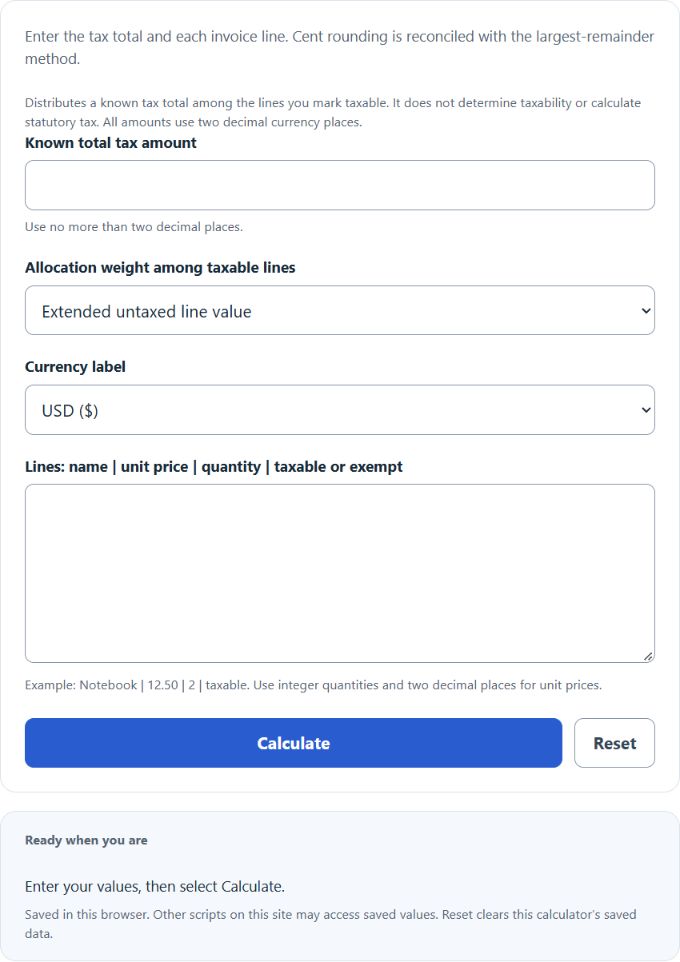
Allocate a known invoice tax amount to individual lines and reconcile the rounded line taxes to the original total. Mark exempt lines explicitly and choose value, quantity or equal-line weighting.
Allocation and cent rounding
Exact line share = total tax × line weight / total eligible weight. Value weighting uses unit price × integer quantity; quantity weighting uses item counts; equal weighting assigns one weight to each taxable line.
Amounts use two decimal places. First assign the whole cents below each exact share, then distribute remaining cents to the largest fractional remainders. Equal remainders follow the original line order. Exempt lines receive no tax.
Example
Three taxable lines have untaxed amounts of $10, $20 and $30, and total tax is $0.05. Their exact value-weighted shares are 0.8333, 1.6667 and 2.5 cents. Whole-cent floors total 3 cents; the two remaining cents go to the first and second lines. Allocations are $0.01, $0.02 and $0.02, totaling $0.05.
Frequently asked questions
Does the calculator decide whether an item is taxable?
No. Supply the known tax total and the line treatment applicable to your invoice. Tax calculation, line-specific rates and statutory rounding rules are separate decisions.
Why can similar lines differ by one cent?
An invoice total may not divide evenly into cents. Largest-remainder allocation preserves the invoice tax total while assigning those indivisible cents deterministically.
Are discounts, negative lines or fractional quantities supported?
This tool accepts nonnegative tax-exclusive unit prices and positive integer quantities. Apply discounts to the supplied untaxed prices first; negative adjustment lines and currencies with other minor-unit precision need a different allocation workflow.
References