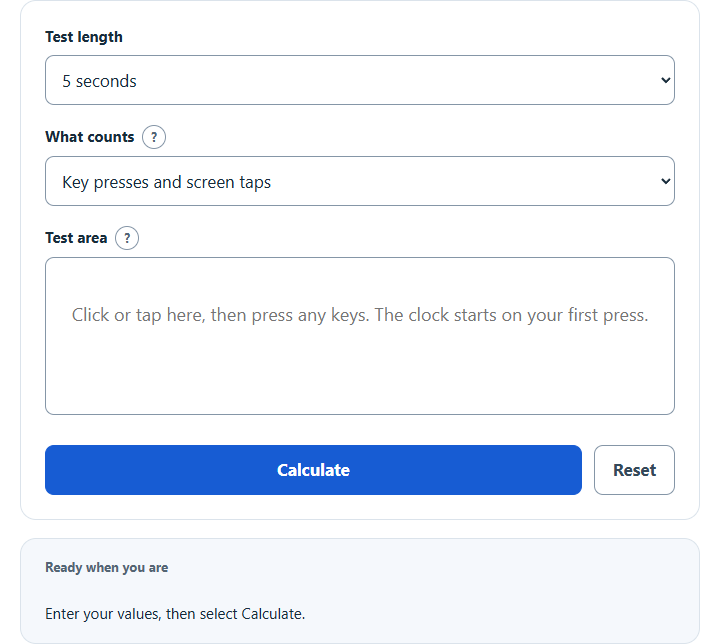
Count your key presses or taps in a timed test and see your keys per second (KPS), presses per minute, average gap and peak one-second burst.
- All Everyday Life and Education Calculators
- Keys Per Second Calculator
- APM Calculator
- Characters Per Minute Calculator
- Letters Per Minute Calculator
Calculator Functions
The counter times you while you press keys and reports your keys per second, often written KPS. The clock starts on your first press, and the result appears by itself when the time is up.
| Function | Use it when | You enter |
|---|---|---|
| Keyboard test | You want your own key speed measured | A test length, then key presses in the test area |
| Tap test | You’re on a phone or tablet | Taps on the test area |
| Click test | You want mouse clicks counted as well | Key presses, taps and mouse clicks under What counts |
Click or tap the test area once to select it, then press any keys. You can use one key, two keys in turn or the whole keyboard. To work out a rate from a count and a time you already have, use the Keys Per Second Calculator, and for actions in a game, the APM Calculator.
Keys Per Second Formula
M = N × 60 ÷ T
G = 1,000 × T ÷ N
| KPS | Keys per second |
| N | Presses counted during the test |
| T | Test length, seconds |
| M | Presses per minute at the same pace |
| G | Average gap from one press to the next, milliseconds |
With 37 presses in a 5-second test, KPS = 37 ÷ 5 = 7.4. That pace is 37 × 60 ÷ 5 = 444 presses a minute, with an average gap of 1,000 × 5 ÷ 37 = 135 ms between presses.
| Presses in 5 seconds | KPS | Per minute | Average gap |
|---|---|---|---|
| 20 | 4 | 240 | 250 ms |
| 30 | 6 | 360 | 167 ms |
| 40 | 8 | 480 | 125 ms |
| 50 | 10 | 600 | 100 ms |
| 60 | 12 | 720 | 83 ms |
How the test counts
Each key counts once, at the moment it goes down. When a key is held, the browser keeps sending the same key-down signal at a rate set by the system and marks those signals as repeats [1]. The counter ignores repeats, so holding a key can’t raise your score. Tab, Escape, the function keys and shortcuts with Ctrl, Alt or Command aren’t counted: Tab moves on to the next control and Escape cancels the test.
The first press starts the clock and counts as press number one. Presses are counted only while the test area is selected, and the test stops without a result if you click somewhere else. Best second is the most presses that fall inside any one-second stretch of the test, which shows your peak burst next to the average.
Choosing a test length
A 5-second test measures a short burst. The 30-second and 60-second tests ask you to hold a pace, so compare results only between tests of the same length. The finished result is saved in your browser and shown again when you come back, until you run another test or press Reset.
Limits of This Estimate
- The counter sees only the presses your keyboard, screen and browser report, so a press the hardware doesn’t register isn’t counted.
- KPS is a rate of presses, not a typing speed. It doesn’t check what you type, so it can’t be turned into words per minute.
- Key presses, taps and mouse clicks use different movements. Compare a result only with tests taken the same way and for the same length.
Sources
- World Wide Web Consortium, UI Events (Editor’s Draft, 21 February 2026): how browsers report a key going down and mark the repeats sent while a key is held