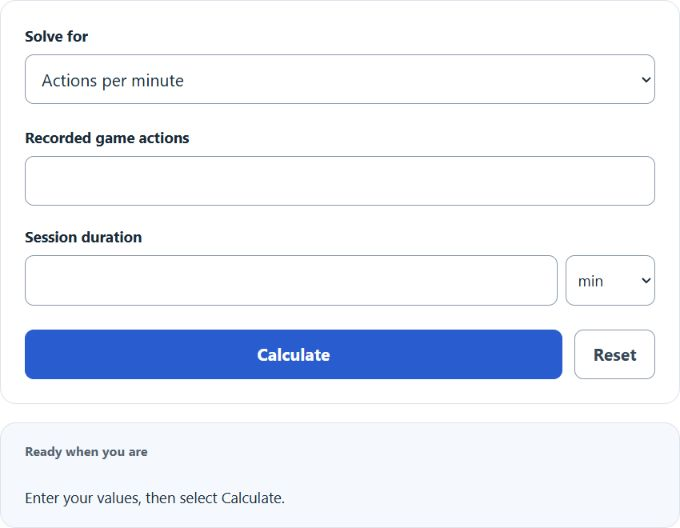
Calculate actions per minute, an action total, or session duration, with a result breakdown and worked steps.
APM Formula and Method
actions per minute = Recorded game actions (actions) × 1 ÷ Session duration (minutes)
A rate compares an accumulated numerator with an accumulated denominator. Use a single match, a defined session, or a season total consistently. To combine records, add the underlying totals before dividing; averaging individual rates gives each record equal weight even when the records have different durations or attempt counts.
How to Use This Calculator
Select the result and any applicable method before entering the visible values. The selected unknown is calculated from the remaining quantities; change Solve for to rearrange the relationship. Review the primary result and its breakdown, then open the calculation steps to see how the inputs were used.
Worked Example
With the example inputs in the table, the result is 80 actions/minute. The totals refer to the same observation period.
2400 × 1 ÷ 30 = 80
Input and Example Guide
| Input or category | Example or weight | Entry guidance |
|---|---|---|
| Recorded game actions (actions) | 2400 | Use the stated unit; retain available precision. |
| Session duration | 30 Minutes (min) | Use the stated unit; retain available precision. |
| APM | 80 actions/minute | Calculated result for the entered example. |
Interpreting the Result
Inverse modes rearrange the same relationship. A fractional inverse count describes an exact algebraic equivalent, not a possible recorded half-event. For an actual whole-count threshold, round in the direction required by your goal and check the rate again. A zero denominator is undefined; a zero numerator with a positive denominator is a valid zero rate.
Inverse totals are algebraic equivalents and can be fractional. Actual recorded event counts must be whole numbers.
Assumptions and Common Input Errors
Time-based inputs convert seconds and hours to minutes when those options are present. Do not combine a rate from one period with a denominator from another.
Saving and Revising a Scenario
A successful calculation is saved in this browser and can be restored on the next visit. Editing an input keeps the previous result visibly marked until you select Calculate again. Reset clears the fields and saved result.