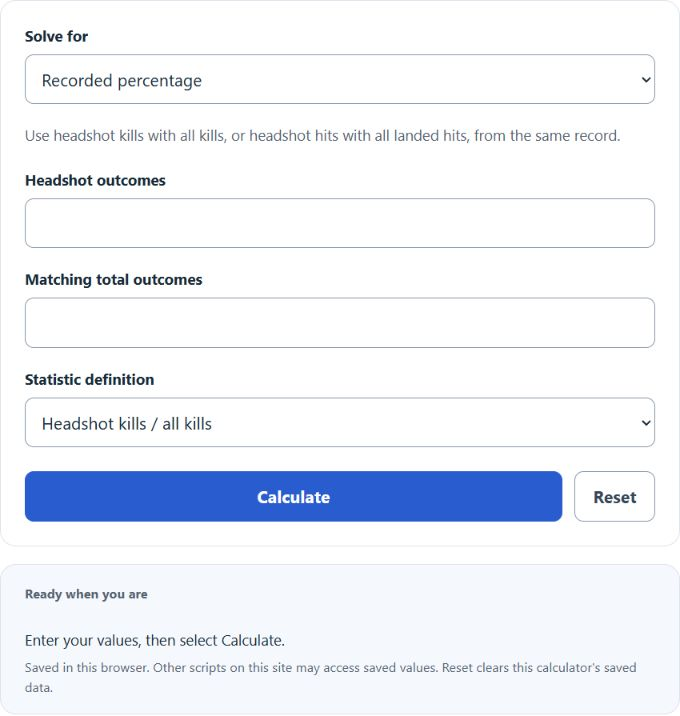
Calculate headshot percentage from your inputs, with a result breakdown and worked steps.
Headshot Percentage Formula and Method
Headshot percentage = headshot outcomes ÷ matching total × 100
Choose the definition used by the video game. Headshot kills divided by all kills measures how eliminations ended. Headshot hits divided by landed hits measures where registered hits landed. Neither definition uses all shots fired, because misses belong to a different accuracy statistic.
How to Use This Calculator
Select Recorded percentage or Target within a fixed total. Enter the headshot count and matching total, choose the statistic definition, and enter a target when applicable. Select Calculate and open Calculation details for the arithmetic.
Worked Example
With the example inputs in the table, the result is 25%. Choose whether the denominator is total kills or landed hits.
20 ÷ 80 × 100 = 25%
Input and Example Guide
| Input or category | Example or weight | Entry guidance |
|---|---|---|
| Method | Recorded percentage | Choose the convention that applies to your record. |
| Video-game statistic definition | Headshot kills / all kills | Choose the convention that applies to your record. |
| Matching headshot outcomes (count) | 20 | Use a whole count in the stated unit. |
| Matching total kills or landed hits (count) | 80 | Use a whole count in the stated unit. |
Interpreting the Result
The target method keeps the entered total fixed and rounds the required headshot count upward. It reports the additional headshot outcomes within that same total, not the number of future attempts needed as the denominator grows. Headshots cannot exceed the matching total, and at least one total outcome is required.
This is a video-game statistic. Do not mix headshot hits with kills or shots fired. The target fixes the final denominator rather than adding future attempts.
Assumptions and Common Input Errors
Choose whether the denominator is total kills or landed hits. Use credited records rather than mixing estimates with final totals. A blank field is not treated as zero; enter zero explicitly when it is a valid observation.
Saving and Revising a Scenario
A successful calculation is saved in this browser and restored on the next visit. Editing an input retains a clearly marked previous result until Calculate is selected again. Reset clears the fields, result and this calculator’s saved calculation. Other scripts on this site may access browser storage.