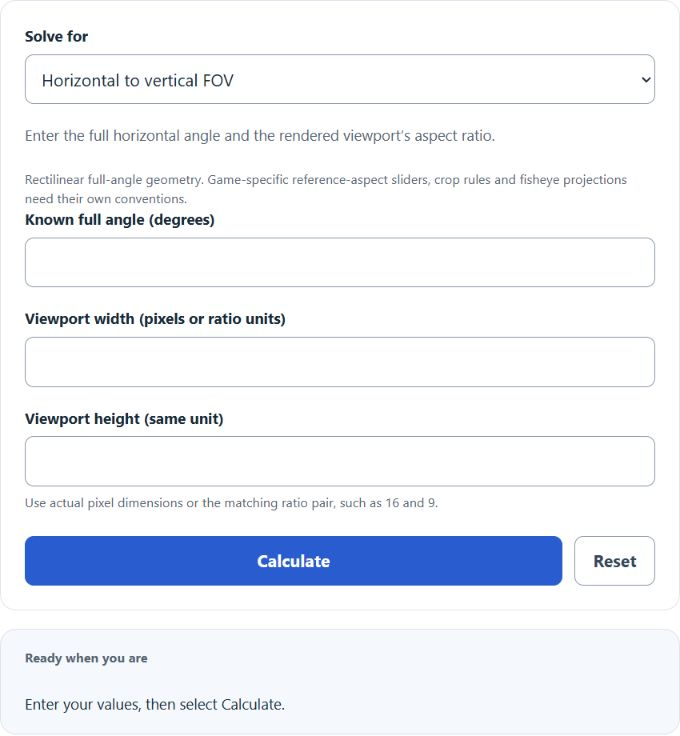
Convert between full horizontal and vertical field-of-view angles for a rectilinear viewport, with diagonal FOV and aspect ratio.
FOV Formula and Method
Horizontal FOV = 2 atan(tan(vertical FOV / 2) × width / height)
Use the actual rendered viewport width and height, or an equivalent aspect-ratio pair such as 16 and 9. Enter a full horizontal or vertical angle in degrees. The trigonometric conversion works with half angles because each half of the view forms a right triangle around the viewing axis.
How to Use This Calculator
Select Horizontal to vertical FOV or Vertical to horizontal FOV. Enter the known full angle in degrees and the viewport width and height in matching units, then select Calculate. Open Calculation details for the geometric relationships.
Worked Example
With the example inputs in the table, the result is 58.7155°. This converts rectilinear full-angle horizontal and vertical fields of view.
Vertical FOV = 2 atan(tan(horizontal FOV / 2) ÷ (width / height))
Input and Example Guide
| Input or category | Example | Entry guidance |
|---|---|---|
| Known full field-of-view angle | Horizontal angle | Choose the convention that applies to your record. |
| Known full angle (degrees) | 90 | Use the stated unit; retain available precision. |
| Viewport width (pixels or ratio units) | 16 | Use the stated unit; retain available precision. |
| Viewport height (same unit) | 9 | Use the stated unit; retain available precision. |
Interpreting the Result
At a fixed vertical angle, increasing width relative to height increases the horizontal angle. A 90-degree horizontal angle at 16:9 corresponds to about 58.72 degrees vertically. Games that display a reference-aspect slider, crop the image, or use fisheye projection need their own convention before this geometric relationship applies.
Game settings can use horizontal, vertical, diagonal or reference-aspect conventions. Supply the actual full angle and aspect ratio; fisheye and game-specific crop rules are excluded.
Assumptions and Common Input Errors
This converts rectilinear full-angle horizontal and vertical fields of view. Angles and viewport dimensions must be greater than zero, and the known angle must be below 180°. Use actual rendered viewport dimensions; zero or blank dimensions are invalid.
Saving and Revising a Scenario
A successful calculation is saved in this browser and can be restored on the next visit. Editing an input retains the previous result with an Inputs changed warning until Calculate is selected again. Reset clears the fields, result and this calculator’s saved calculation.
Sources
Khronos Group, OpenGL perspective projection documentation, reviewed 2026.