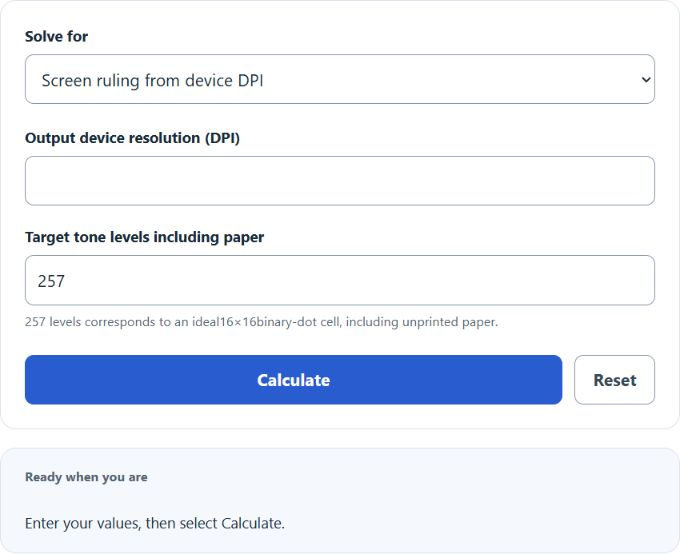
Calculate halftone lines per inch from device DPI and tone levels, reverse-solve device resolution, or plan source-image PPI and pixel dimensions.
Lines Per Inch Formula
Variables:
- LPI is the Lines Per Inch (lines/in)
- DPI is the output device dots per inch (printer/platesetter addressability)
To estimate Lines Per Inch from an output device DPI, a common AM-halftone rule of thumb is to divide the device DPI by 16 (equivalently, DPI ≈ 16 × LPI). This ratio is not universal; it depends on the screening method and how many addressable device dots are used per halftone cell.
How to Calculate Lines Per Inch?
The following steps outline how to calculate the Lines Per Inch.
- First, determine the output device resolution in dots per inch (DPI).
- Next, gather the formula from above: LPI ≈ DPI / 16 (common rule of thumb).
- Finally, calculate the Lines Per Inch (LPI).
- After inserting the variables and calculating the result, check your answer with the calculator above.
Example Problem :
Use the following variables as an example problem to test your knowledge.
output device dots per inch (DPI) = 2400
LPI ≈ 2400 / 16 = 150 lines/in
Frequently Asked Questions (FAQ)
What is the difference between DPI and PPI?
PPI (Pixels Per Inch) describes the pixel density of a digital image (and is the value typically used to determine print size from pixel dimensions). DPI (Dots Per Inch) describes the dot density/addressability of an output device (printer/platesetter). In everyday conversation, “DPI” is often used loosely to refer to an image’s PPI, but they are not the same thing.
How does the Lines Per Inch (LPI) affect print quality?
LPI measures the density of halftone lines (screen ruling) in a printed image. Higher LPI generally allows finer detail and smoother gradients, but the best choice depends on paper, ink, press conditions, and the screening method used.
Can I use the DPI to PPI conversion for web images?
For web/screen display, the image’s pixel dimensions (e.g., 1200×800 px) determine how large it appears. DPI/PPI metadata typically does not change how a browser displays an image. DPI/PPI mainly matters when translating pixels into a physical print size (inches or cm).
Why do you divide by 16 to calculate Lines Per Inch?
The “/16” factor is a common AM-halftone rule of thumb that assumes about 16 device dots across one halftone cell (so a 16×16 binary-dot cell provides 256 dot-coverage increments plus unprinted paper, or 257 ideal tone levels). With that assumption, device DPI ≈ 16 × LPI (for example, 2400 DPI / 16 ≈ 150 LPI). The exact ratio can differ with different screening technologies and tonal requirements.