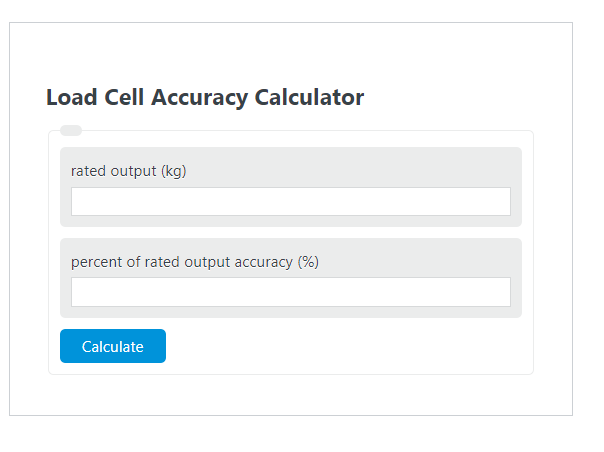
Calculate rated output, accuracy percentage, or load cell accuracy from two known values in kg, lb, or g units for load cell measurements.
Related Calculators
- Gravity Correction Calculator
- Lateral Force Calculator
- Sheave Ratio Calculator
- Pulley Torque Calculator
- All Physics Calculators
Load Cell Accuracy Formula
The load cell accuracy calculator converts an accuracy specification expressed as a percentage of rated output into an absolute error band in the same unit as the load value entered. This is useful when comparing sensors, checking tolerance limits, or translating a datasheet percentage into a practical “plus/minus” value.
| Symbol | Meaning | Units |
|---|---|---|
| LCA | Load cell accuracy | Same unit as rated output |
| RO | Rated output entered into the calculator | kg, lb, or g |
| P | Percent of rated output accuracy | % |
If you need to solve for a different variable, the formula can be rearranged as follows:
How to Calculate Load Cell Accuracy
- Enter the rated output or full-scale load value.
- Enter the accuracy as a percent of rated output.
- Multiply the rated output by the percentage.
- Divide by 100 to convert the percentage into an absolute value.
- Apply the result as a ± tolerance band.
The result tells you the maximum allowed deviation based on the percentage entered. Because the equation is based on rated output, the final answer is an absolute value rather than another percentage.
Example Calculations
- 1,000 kg at 3% accuracy gives ±30 kg.
- 500 lb at 0.5% accuracy gives ±2.5 lb.
- 20,000 g at 1% accuracy gives ±200 g.
How to Interpret the Result
- ± means both directions: the true value may be above or below the displayed value by the calculated amount.
- The output unit does not change: if rated output is entered in pounds, the accuracy is returned in pounds.
- Larger capacities create larger absolute error bands when the percentage stays the same.
- Smaller percentages indicate tighter accuracy.
Important Note on Terminology
In practical use, load cell specifications may list terms such as capacity, full scale, rated capacity, and rated output. For this calculator, use the load value you want to evaluate at full scale in your selected unit. The calculator then returns the corresponding absolute accuracy band.
Common Mistakes
- Entering the percentage as a decimal. For 0.5%, enter 0.5, not 0.005.
- Confusing percent of rated output with percent of the current reading. This calculator uses the full rated value entered.
- Mixing units during interpretation. Keep the input and result in the same measurement unit.
- Assuming accuracy and resolution are the same. A display may show very small increments even if the sensor accuracy band is much larger.
Why This Calculation Matters
Converting a percentage spec into an absolute error value makes load cell selection easier. It helps answer questions like:
- Is this sensor accurate enough for my process tolerance?
- How much measurement error is possible at full scale?
- Which of two load cells provides the tighter allowable error band?
Use the calculator whenever you need a quick and consistent way to translate a load cell accuracy percentage into a practical plus/minus measurement range.