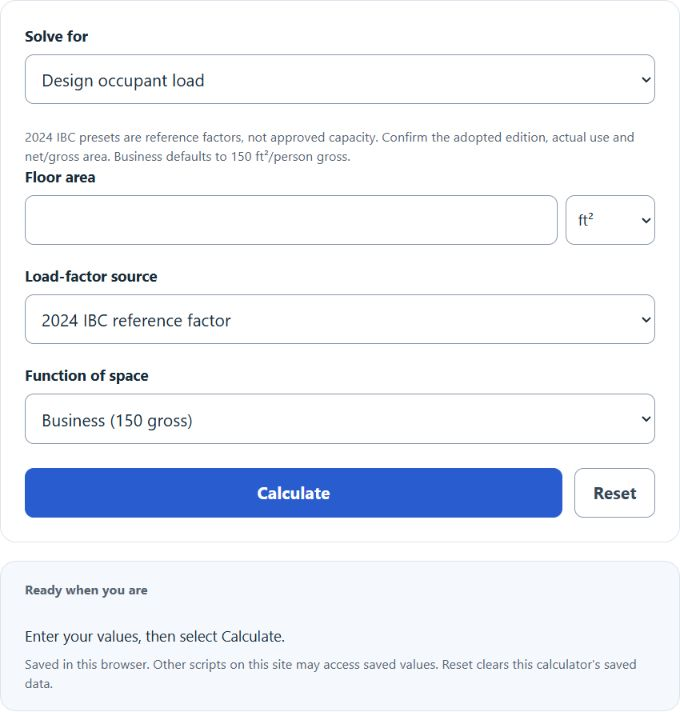
Calculate occupant load, required floor area, or square feet per person from any two values, using 2024 IBC space-type factors, custom factors, and metric conversions.
- All Construction Calculators
- Bed Occupancy Rate Calculator
- Max Occupancy Calculator
- Occupancy Load Factor Calculator
Occupancy Per Square Foot Formula
The following formula is used to calculate the occupancy per square foot.
Variables:
- O is the occupancy (number of people)
- TA is the total area (square feet)
- APP is the area per person (square feet per person)
To estimate the area-based design occupant load, divide the applicable floor area by the area per person and round upward to a whole person. Use the adopted gross or net area basis.
What is Occupancy Per Square Foot?
The calculator estimates a design occupant load from area and an applicable area-per-person factor. It also solves for area or an observed area-per-person ratio. Area alone does not establish a safe or legal maximum occupancy: egress, fixed seating, local amendments and official approval may control.
How to Calculate Occupancy Per Square Foot?
Choose the solve mode. For design load, enter floor area and select a reference or custom factor; for required area, enter whole occupants and the factor; for area per person, enter area and whole occupants. The steps below cover design load.
- First, determine the total area of the space (TA) in square feet.
- Next, determine the area required per person (APP) in square feet.
- Use the formula from above: O = ceil(TA / APP), rounding upward.
- Finally, calculate the Occupancy (O) as the number of people.
- After inserting the variables and calculating the result, check your answer with the calculator above.
Example Problem :
Use the following variables as an example problem to test your knowledge.
Total area of the space (TA) = 1000 square feet
Area required per person (APP) = 50 square feet per person. The design load is ceil(1,000 ÷ 50) = 20 people. Verify the actual factor and area basis in the locally adopted code.