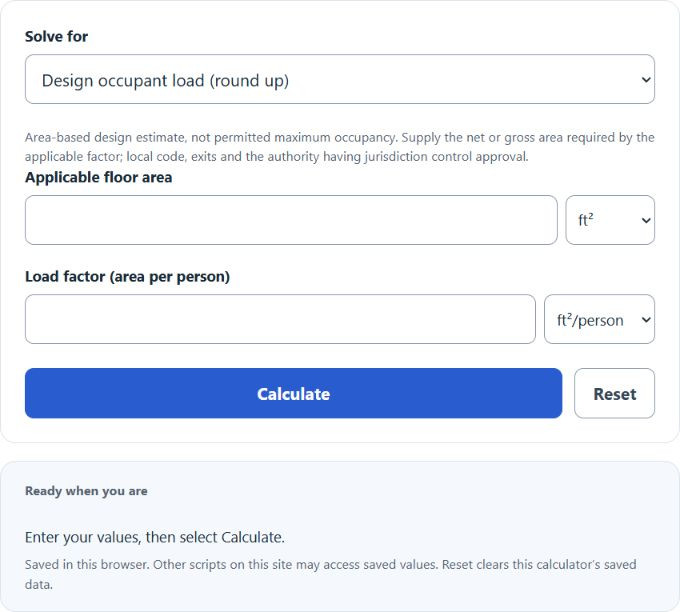
Calculate occupancy load factor, room area, or number of people from any two values, with ft², m², or yd² per person units and rounded-up people results.
- All Construction Calculators
- Max Occupancy Calculator
- Occupancy Rate Index Calculator
- Occupancy Cost Calculator
- Cost Per Occupied Room Calculator
Occupancy Load Factor Formula
The occupancy load factor is the amount of floor area assigned to each person. The calculator can solve for room area, number of people, or occupancy load factor when you enter the other two values.
- P = total number of people
- A = total room area
- OLF = occupancy load factor, in area per person
- ceil = round up to the next whole number
The design-load mode rounds the area quotient upward to a whole person. This estimate does not certify a safe or legally permitted maximum occupancy.
If you calculate total room area, the calculator multiplies the number of people by the occupancy load factor.
If you calculate occupancy load factor, the calculator divides the room area by the number of people.
The calculator uses exact area conversion factors. The whole-person mode applies an exact decimal ceiling; area and factor results are displayed in the selected unit. Multiplication by a factor is not an exact inverse of the rounded-up count.
Common Occupancy Load Factor Values
Occupancy load factors depend on the building code and the exact use of the space. The examples below reflect IBC-style factors in square feet per person; confirm the adopted edition, exact use and local amendments. Assembly/classroom examples use net area; business and accessory storage examples use gross area. These do not establish permitted maximum occupancy.
| Space type | Reference factor and area basis | Meaning |
|---|---|---|
| Assembly, standing space | 5 net ft²/person | Dense standing occupancy |
| Assembly, tables and chairs | 15 net ft²/person | Dining or similar seated use |
| Classroom | 20 net ft²/person | Typical classroom seating |
| Business area | 150 gross ft²/person | Office or business use |
| Accessory storage / mechanical equipment | 300 gross ft²/person | Low occupant density |
Area Unit Conversions
| Unit | Equivalent in square feet |
|---|---|
| 1 square foot | 1 ft² |
| 1 square meter | 10.7639 ft² |
| 1 square yard | 9 ft² |
Examples
Example 1: Calculate the number of people
You have a room area of 1,200 ft² and an occupancy load factor of 15 ft² per person.
The occupancy load is 80 people.
Example 2: Calculate the required room area
You need space for 45 people using an occupancy load factor of 20 ft² per person.
The required room area is 900 ft².
FAQ
What is an occupancy load factor?
An occupancy load factor is the floor area assigned to each person for a specific type of space. For example, an occupancy load factor of 15 ft² per person means each person is counted as using 15 square feet of area.
Why does the people result round up?
The people result rounds up because occupancy load is counted in whole people. If the calculation gives 25.2 people, the occupancy load is 26 people.
Is occupancy load the same as the allowed maximum occupancy?
Not always. Occupancy load estimates the number of occupants based on area and use. The allowed maximum occupancy may also depend on exits, door widths, plumbing fixtures, fire protection systems, and local code requirements.