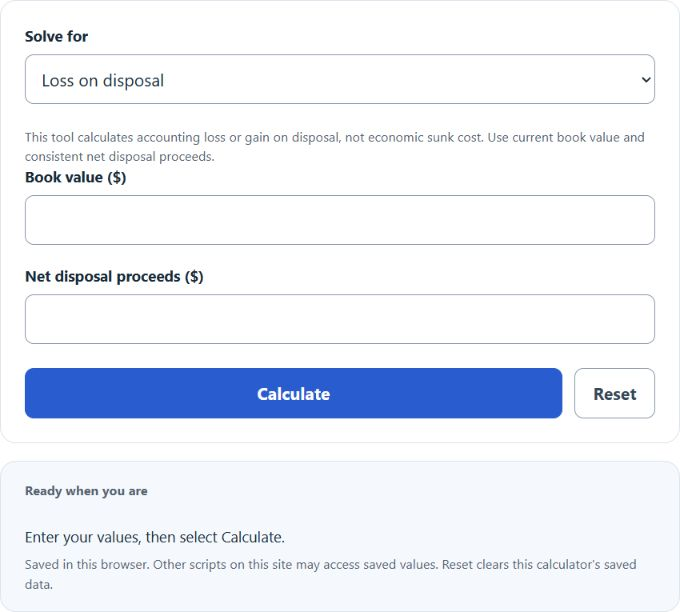
Calculate loss on disposal, book value, or salvage value by selecting the unknown value and entering the other two, with negative results shown as a gain in dollars and cents.
Related Calculators
- Cost Recovery Ratio Calculator
- Internal Rate of Return Calculator (IRR) up to 5 years
- Average Profit Calculator
- Process Cost Calculator
- All Business Calculators
Loss on Disposal (Book Value − Salvage Value) Formula
This calculator finds the accounting loss on disposal of an asset by comparing its current book value with the amount recovered from selling, trading in, or scrapping it. A positive result means a loss was recognized. A negative result means the asset was disposed of for more than its book value, which is an accounting gain.
- LD = loss on disposal
- BV = book value of the asset at the time of disposal
- SV = salvage value or sale proceeds received
| Calculator Result | Meaning | Interpretation |
|---|---|---|
| Positive value | Loss on disposal | The asset was disposed of for less than book value. |
| Zero | No gain or loss | The asset was disposed of exactly at book value. |
| Negative value | Gain on disposal | The asset was disposed of for more than book value. |
How to Calculate Loss on Disposal
- Determine the asset’s current book value.
- Determine the salvage value or sale proceeds received from disposal.
- Subtract the proceeds from the book value.
- Interpret the sign of the answer: positive = loss, negative = gain.
If you need to calculate book value first, it is commonly found by subtracting accumulated depreciation from the original asset cost.
- AC = asset cost
- AD = accumulated depreciation
This is useful when an asset has been on the books for several years and the original purchase price is no longer the right number to compare against disposal proceeds.
Useful Rearrangements
Select the value to solve for and enter the other two. Book value and net proceeds must be nonnegative; use a negative loss to represent a gain.
These forms are helpful when checking asset schedules, validating journal entries, or estimating what sale proceeds would create a target gain or loss.
Examples
Example 1: An asset has a book value of $12,000 and is sold for $9,500. The disposal creates a loss of $2,500.
Example 2: An asset has a book value of $8,000 and is sold for $9,200. The calculator returns -$1,200, which indicates a $1,200 gain on disposal.
When This Calculator Is Useful
- Selling equipment, vehicles, machinery, or office assets
- Recording an asset trade-in or retirement
- Comparing expected resale value with carrying value
- Reviewing depreciation effects before disposal
- Preparing accounting entries for a gain or loss on sale
Common Input Mistakes
- Using original purchase price instead of book value: book value reflects depreciation already taken.
- Confusing salvage value with market value: use the amount actually expected or received from disposal.
- Ignoring sign interpretation: a negative result is not an error; it usually means a gain.
- Mixing gross and net proceeds: be consistent in whether selling-related costs are included in the number entered.
- Expecting a true economic sunk cost calculation: this tool measures accounting loss or gain on disposal.
Sunk Cost vs. Loss on Disposal
These terms are often confused, but they are not the same. A sunk cost is a past cost that cannot be recovered and should not affect a forward-looking decision. A loss on disposal is an accounting result computed when an asset is removed from service and compared against the value recovered. This calculator is best used for the disposal calculation shown above.
Quick Interpretation Guide
- If book value is greater than proceeds, the result is a loss.
- If book value equals proceeds, there is no gain or loss.
- If book value is less than proceeds, the result is a gain.
In practice, this calculator is most helpful as a fast check on disposal outcomes, especially when reviewing depreciation schedules, fixed-asset registers, and year-end accounting adjustments.