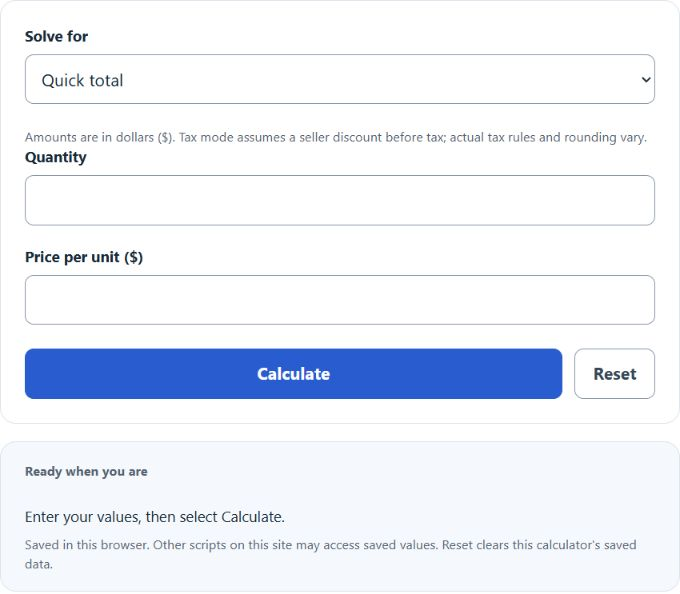
Calculate total price from quantity and item price, add discount and sales tax, or compare two packs by unit price to find the cheaper option.
Related Calculators
- Inclusive Price Calculator
- Relative Price Calculator
- Premium Percentage Calculator
- Direct Margin Calculator
- All Business Calculators
Total Price Formula
The following formula is used to calculate the Total Price.
- Where TP is the Total Price ($)
- I is the number of items purchased
- API is the average price per item ($)
To calculate the quick total, multiply quantity by price per unit. Tax mode first rounds the subtotal to cents, subtracts a seller discount rounded to cents, then adds tax on the discounted subtotal rounded to cents. Blank discount and tax mean zero; local tax and invoice rules may differ. Compare packs using the same quantity unit.
How to Calculate Total Price?
The following example problems outline how to calculate Total Price.
Example Problem #1:
- First, determine the number of items purchased.
- The number of items purchased is given as 250.
- Next, determine the average price per item ($).
- The average price per item ($) is provided as 3.
- Finally, calculate the Total Price using the equation above:
TP = I * API
The values given above are inserted into the equation below:
TP = 250 * 3 = 750.00 ($)
Example Problem #2:
For this problem, the variables needed are provided below:
number of items purchased = 700
average price per item ($) = 5
This example problem is a test of your knowledge on the subject. Use the calculator above to check your answer.
TP = I * API = ?