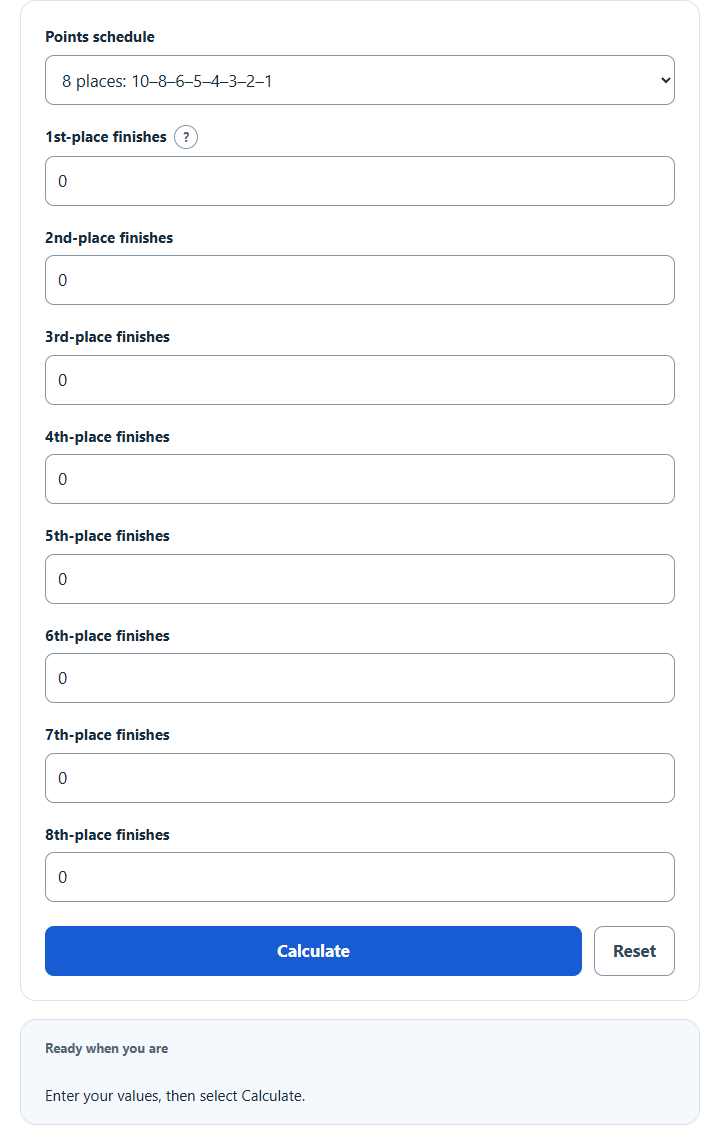
Calculate a track meet team score from the number of 1st- to 8th-place finishes, using the 10-8-6-5-4-3-2-1 or another preset, or custom points.
Track Meet Team Score Formula or Method
Each place count is multiplied by the selected points for that place, then the eight contributions are summed.
How the Calculation Works
The calculator multiplies each of the eight finish counts by its place value and adds the contributions. Custom decimal values are calculated exactly before display rounding; the ≈ symbol marks a rounded display. Presets are examples, not universal meet rules.
How to Use This Calculator
- Choose the points schedule that matches the meet packet, or select Custom place values.
- Enter each whole finish count from 0 to 999; use zero for no finishes. In custom mode, enter all eight place values from 0 to 1,000, including zero for non-scoring places.
- Select Calculate and review the primary result, supporting values, and steps.
- Use Reset before starting a new scenario.
Worked Example
Under a 10-8-6-5-4-3-2-1 schedule, two wins, three second places, and one third place score 20 + 24 + 6 = 50 points.
Input and Result Guide
| Item | How to use it |
|---|---|
| Eight-place preset | 10-8-6-5-4-3-2-1. |
| Six-place preset | 10-8-6-4-2-1. |
| Five-place preset | 10-8-6-4-2. |
| Three-place preset | 5-3-1. |
| Custom | Enter the applicable place values supplied by the meet organizer. Fractional values are supported; a finite decimal for a shared award retains that entered approximation. |
Interpreting the Result
The primary result is the sum of the eight place contributions. Finish entries include non-scoring places; entries earning points count only finishes assigned a positive place value. Count one relay-team result once, rather than counting its individual runners.
Assumptions and Limitations
Scoring schedules vary by governing body, meet size, relay rules, ties, combined teams, and championship format. Confirm the official meet packet. Aggregate finish counts cannot reconstruct tie groups or decide tie splits or disqualifications. Calculate events with different individual or relay schedules separately and add their official totals; one custom schedule cannot automatically apply different tie awards to different finishes at the same place.
Common Questions
Are the preset schedules universal?
No. Choose a preset only when its listed place values match the meet packet. For example, the listed five-place schedule and alternate three-place schedule have specific relay or agreed-meet contexts in NCAA rules; they are not general rules for every five-team or dual meet.
Will my last successful calculation be restored?
Yes. After Calculate, the calculator saves the selected schedule and validated input values in this browser and recomputes the result when restored. Unsaved edits do not replace the last successful calculation. Reset clears this calculator’s saved state and returns the finish counts to zero.
Sources
Reference context: NCAA 2025–26 Cross Country and Track and Field Rules, scoring sections and tie provisions. Presets are listed point sequences; the applicable meet packet determines whether they are appropriate. Custom place values are supplied by the user and do not independently verify an official award.