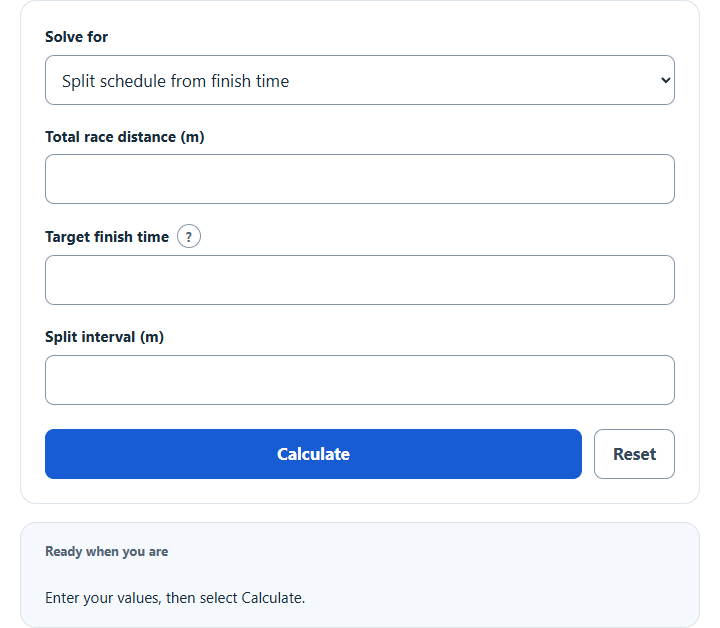
Calculate even track splits for any race distance and goal finish time, or find the finish time a known split leads to, with a full split table.
Track Split Formula or Method
Even pacing assigns time in direct proportion to distance. When the selected interval does not divide the race evenly, the final checkpoint uses the exact shorter remainder.
How the Calculation Works
Choose a split schedule or finish-time projection, then enter the visible distances and times as m:ss or seconds. Values remain available when switching tasks; only relevant inputs affect the result.
How to Use This Calculator
- Select the result you want in the Solve for menu.
- Enter only the visible source values and their explicit units.
- Select Calculate and review the primary answer, supporting values, and substituted steps.
- Use Reset before starting a different performance or scenario.
Worked Example
A 4:48 target for 1600 m gives 1:12, 2:24, 3:36, and 4:48 cumulative checkpoints at 400 m intervals.
Input and Result Guide
| Item | How to use it |
|---|---|
| Total distance | Enter the complete race distance in metres. |
| Total time | Enter m:ss, h:mm:ss or seconds; 4:48 equals 288 seconds. |
| Split interval | Choose a checkpoint distance no greater than the race distance. |
| Final partial split | Generated automatically when the race distance is not divisible by the interval. |
| Output limit | At most 100 checkpoints are shown. |
Interpreting the Result
Keep timing method, event distance, units, venue conditions, and scoring rules consistent when comparing results.
Assumptions and Limitations
Even splits are a planning baseline. Racing tactics, bends, hills, wind, pack position, fatigue, and event-specific pacing often make the best real-world segments uneven.
Common Questions
Why did an input disappear when I changed Solve for?
The hidden field is the requested output. Enter the remaining visible values and the calculator will solve for that target.
Will my last successful calculation be restored?
Yes. After Calculate, this browser saves the necessary source values. Reloading recomputes and labels the restored result. Other scripts on this site may access saved values; Reset clears this calculator’s saved state.
Sources
The standard proportional distance-time relationship used for even pacing.