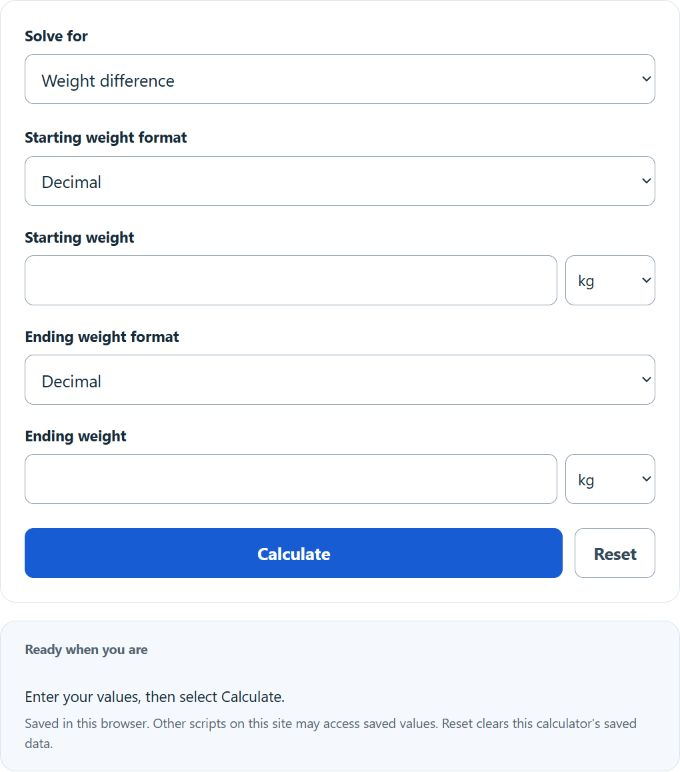
Calculate the difference between two weights in kg, lbs, stone, pounds, ounces, and grams, plus weight loss rate and goal timeline.
- Health Calculators
- Weight Loss Time Calculator
- Weight Loss Inches Calculator
- Matched Weekday Weight Comparison Calculator
Watch the full weight difference and percentage change explainer.
Weight Difference Formula
The weight difference calculator finds the change between two measurements. Choose each measurement’s unit or compound format. The calculator converts both measurements to kilograms before finding the signed change.
- WD = weight difference
- W1 = initial weight
- W2 = final weight
The sign of the answer matters:
| Result | Meaning |
|---|---|
| Negative | Your final weight is lower than your starting weight. |
| Zero | No net change occurred between the two measurements. |
| Positive | Your final weight is higher than your starting weight. |
Percent Weight Change
Absolute change is useful, but percentage change gives better context because the same number of pounds or kilograms does not represent the same relative change for every starting weight.
- P = percent change in weight
- If P is negative, the weight decreased.
- If P is positive, the weight increased.
This view is especially helpful when comparing progress across different time periods, different people, or different starting weights.
Average Rate of Change
If you also track a start date and end date, you can estimate the average rate of change over the full period.
- R = average weight change per day or per week
- Δt = elapsed time between weigh-ins
This is a trend measure, not a guarantee of what happened each day. Real-world body weight often moves up and down because of water balance, food intake, sodium, training, hormones, and scale variability.
Goal Planning Formula
For planning, the calculator divides the weight gap by your entered constant weekly change. This is arithmetic for a chosen scenario, not a prediction of body weight or a recommended rate.
- T = time at the entered constant rate in weeks
- Wt = target weight
- Wc = current weight
- Cw = planned change per week
Enter the planned weekly change as a positive number. The calculator uses the gap between your current and target weights to determine the direction of the plan.
How to Calculate Weight Difference
- Record your starting weight.
- Record your ending weight and select its unit or compound format.
- Subtract the starting value from the ending value.
- Interpret the sign of the result to determine whether the change was a gain or loss.
- If needed, convert the result to a percentage or average rate over time.
Example
If a person starts at 185 lb and later weighs 176 lb, the total change is:
The negative sign shows a decrease of 9 lb. The percent change is:
That means the final weight is about 4.86% lower than the starting weight.
Tips for More Accurate Tracking
- Weigh under similar conditions each time, such as the same time of day and similar clothing.
- Use the same scale whenever possible.
- Do not overreact to one measurement; compare multi-day or multi-week trends.
- Check each measurement’s unit; the calculator converts mixed units automatically.
- Remember that short-term scale changes may reflect water and digestion, not only body fat or muscle.
Common Uses for a Weight Difference Calculator
- Tracking body weight changes over a diet or training cycle
- Comparing before-and-after measurements
- Monitoring average weekly progress
- Calculating time at a chosen constant weekly change, without predicting a physiological outcome
- Reviewing weight change as both an absolute number and a percentage
Common Mistakes to Avoid
- Choosing a unit or compound format that does not match the entered measurement
- Ignoring the sign of the result
- Using a single weigh-in to judge long-term progress
- Confusing absolute change with percentage change
- Assuming every scale fluctuation represents true tissue gain or loss