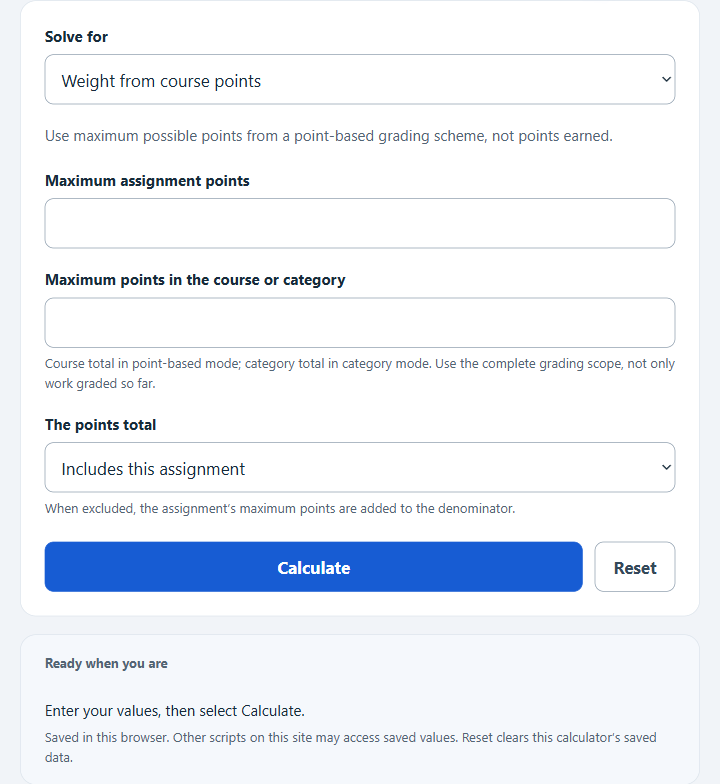
Calculate assignment weight in a course, category-weighted contribution, or the score needed on an assignment to reach your target grade.
- All Math and Numbers Calculators
- All Weight Calculators
- Completion Percentage Calculator
- Overall Grade Calculator
- Scaling (Curving) Grades Calculator
Assignment Weight Formula
The calculator uses a different formula for each mode.
Point-based mode:
Category mode:
Needed score mode:
- Assignment Points — the maximum points the assignment is worth.
- Course Total Points — the sum of all gradable points in the course.
- Category Total Points — the sum of points in the category (homework, exams, etc.).
- Category Weight — the percent of the final grade the category counts for.
- Current Grade — the grade covering exactly the other 100% minus this assignment weight; all other components must be fixed.
- Target Grade — the final course percent you want to reach.
- w — the assignment weight expressed as a decimal (e.g., 20% = 0.20).
The point-based and category formulas assume your course is graded on total points or weighted categories, not a more complex curve. For the needed score formula, the result can come out above 100% if the target is not realistic without extra credit.
Illustrative Weights and What They Mean
These ranges are illustrative examples, not verified typical weights or grading recommendations. Use your syllabus; actual weights vary by course and instructor.
| Assignment type | Illustrative weight |
|---|---|
| Daily homework (each) | 0.5% – 2% |
| Quiz | 2% – 5% |
| Lab report | 3% – 8% |
| Midterm exam | 15% – 25% |
| Term paper or project | 15% – 30% |
| Final exam | 20% – 40% |
| Weight | Course percentage-point difference between 100% and 0% on the assignment |
|---|---|
| 2% | −2.0 points |
| 5% | −5.0 points |
| 10% | −10.0 points |
| 20% | −20.0 points |
| 30% | −30.0 points |
Example and FAQ
Example: A 50-point assignment in a course graded on 1,000 total points. Weight = 50 / 1,000 × 100 = 5%. If the assignment sits in a homework category worth 30 percent of the course and the category holds 400 points total, the course weight is 50 / 400 × 30 = 3.75%.
Should I use the “includes” or “before” option for course total? Use “includes” if the total you entered already counts the assignment. Use “before” only if the total covers all other assignments in the chosen grading scope and excludes this one; it must not omit future assignments.
Why is my needed score above 100%? The target grade requires more points than the assignment can supply at full credit. You either need extra credit, a higher current grade, or a lower target.
Does this work with weighted categories that drop the lowest score? No. Drops change the effective category total. Recalculate after the drop is applied.