Estimate Black Friday final prices, stacked discounts, cart totals, taxes, shipping, cashback, rebates, and compare deal offers.
- Every Day Life And Education Calculators
- Markdown Calculator
- Reverse Percentage Calculator
- Original Price Calculator
- Save Percentage Calculator
- Double Discount Calculator
- Triple Discount Calculator
Black Friday Discount Formula
The following formula is used to calculate the new price of a good under a discount on Black Friday.
- Where NP is the new price
- OP is the original price
- D is the discount %
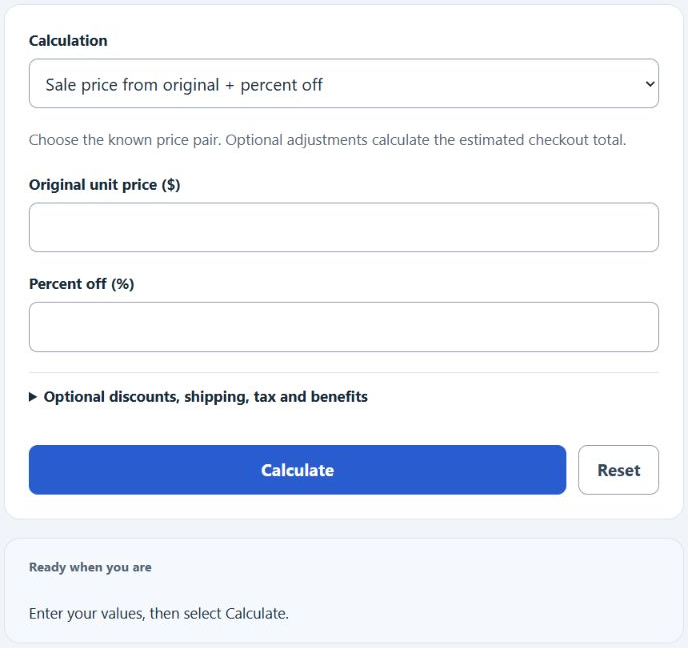
To calculate the sale price, subtract original price × discount percent ÷ 100. Stacked percentages apply successively, not by addition. The calculator uses USD and rounds half up to cents after each unit-discount, tax and cashback step. Fixed coupons apply per unit; shipping and rebates apply once per order. Retailer terms and tax rules may differ.
Black Friday Discount Definition
A Black Friday discount is simply a reduction of price on an item due to a sale on Black Friday.
How to calculate a Black Friday discount?
FAQ
How do I use the Black Friday Calculator?
Choose the calculation matching your known prices, savings or percent off, then select Calculate. Optional adjustments add quantity, discounts, shipping, supplied tax rates, cashback and rebates. The primary result is checkout cost; net cost also accounts for expected later benefits.
Can I calculate discounts for multiple items at once?
Yes. Choose Cart / bundle and enter up to five lines in the format price, percent off, quantity. Choose a cart threshold mode for a storewide percentage or fixed-dollar deal. Thresholds use the subtotal after line discounts; free shipping tests the subtotal after all discounts.
Is there a way to calculate the total savings for all my Black Friday shopping?
The cart modes show total item savings, including any storewide deal, before tax and shipping. Compare two offers with the comparison mode; expected cashback and rebates are included in net cost only.
What if the discount is in a ‘buy one, get one’ format instead of a percentage?
For equal-price ‘buy one, get one free’ pairs, 50% off both items is equivalent before rounding. Unequal prices, odd quantities and retailer eligibility rules require the actual applicable prices; this calculator does not implement a BOGO eligibility engine.