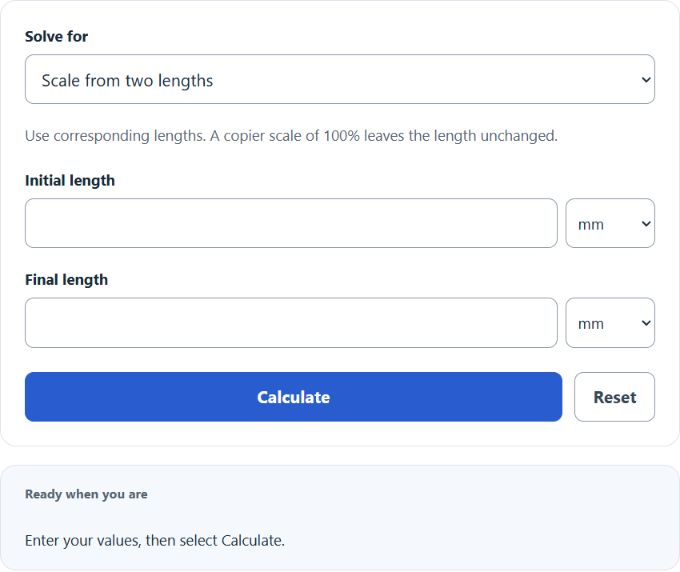
Calculate enlargement ratio, percentage, print size from pixels and PPI, or copier scale between paper sizes for photos and posters.
- All Math and Numbers Calculators
- All Ratio Calculators
- Scale Factor Dilation Calculator
- Increase Ratio Calculator
- Displacement to Length Ratio Calculator
- Scale Factor Area Calculator
Enlargement Ratio Formula
The following formula is used to calculate the Enlargement Ratio.
- Where ER is the enlargement ratio (scale factor), unitless
- FS is the final size (in the same units as IS)
- IS is the initial size
- Enlargement percentage (%) = ER × 100
To calculate an enlargement ratio, divide the final size by the initial size. To express the result as a percentage (as commonly used on copiers), multiply the ratio by 100.
How to Calculate Enlargement Ratio?
The following example problems outline how to calculate Enlargement Ratio.
Example Problem #1:
- First, determine the final size.
- The final size is given as: 25.
- Next, determine the initial size.
- The initial size is provided as: 10.
- Finally, calculate the Enlargement Ratio using the equation above:
ER = FS / IS
The values given above are inserted into the equation below and the solution is calculated:
ER = 25 / 10 = 2.5000 (ratio)
Enlargement percentage = ER × 100 = 250.00 (%)
Example Problem #2:
For this problem, the variables required are provided below:
final size = 60
initial size = 30
Test your knowledge using the equation and check your answer with the calculator above.
ER = FS / IS = ?