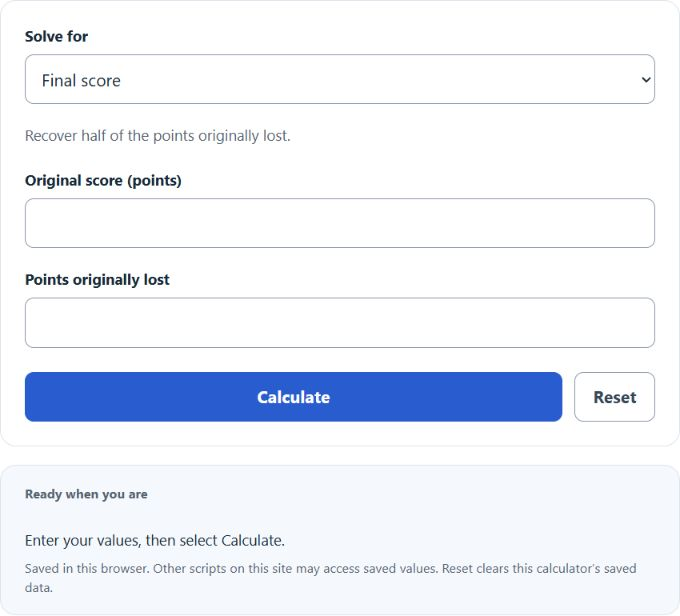
Select original score, points lost, or final score, then enter the two known point values to apply the half-points-back rule.
Related Calculators
- Quiz Grade Calculator
- Overall Grade Calculator
- Passing Score Calculator
- Percentage Achievement Calculator
- Grade Point to Percentage Calculator
- All Sports and Fitness Calculators
Half Points Back Formula
The half points back rule gives you back one half of the points you lost. The calculator uses the same relationship in three ways, depending on the selected result.
- FS = final score after half points back
- OS = original score before half points back
- PL = points lost before half points back
If you enter the original score and points lost, the calculator finds the final score by adding back half of the lost points.
If you enter the final score and points lost, it finds the original score by subtracting the half-points-back amount.
If you enter the original score and final score, it finds how many points were lost by doubling the score increase.
Common Half Points Back Amounts
Use this table to check how many points get added back for common point losses.
| Points Lost | Half Points Back | Score Increase |
|---|---|---|
| 2 | 1 | +1 point |
| 5 | 2.5 | +2.5 points |
| 10 | 5 | +5 points |
| 16 | 8 | +8 points |
| 25 | 12.5 | +12.5 points |
Input Combinations and Results
| Values You Enter | Value Calculated | Formula Used |
|---|---|---|
| Original Score and Points Lost | Final Score | FS = OS + PL/2 |
| Final Score and Points Lost | Original Score | OS = FS - PL/2 |
| Original Score and Final Score | Points Lost | PL = 2*(FS - OS) |
Example Problems
Example 1: Find the final score
You scored 82 originally and lost 18 points. Half of 18 is 9.
Your final score with half points back is 91.
Example 2: Find the points lost
Your original score was 76 and your final score after half points back was 88.
You lost 24 points before getting half of them back.
FAQ
What does half points back mean?
Half points back means you regain half of the points you originally lost. For example, if you lost 12 points, you get 6 points added back to your original score.
Is the final score the same as a percentage?
Only if the assignment is out of 100 points. If the assignment is out of another total, the final score is a point score, not automatically a percentage. To turn it into a percentage, divide the final score by the total possible points and multiply by 100.
Can points lost be negative?
In normal grading, no. Points lost should be zero or positive. A final score lower than the original score does not fit a half-points-back situation and is rejected.