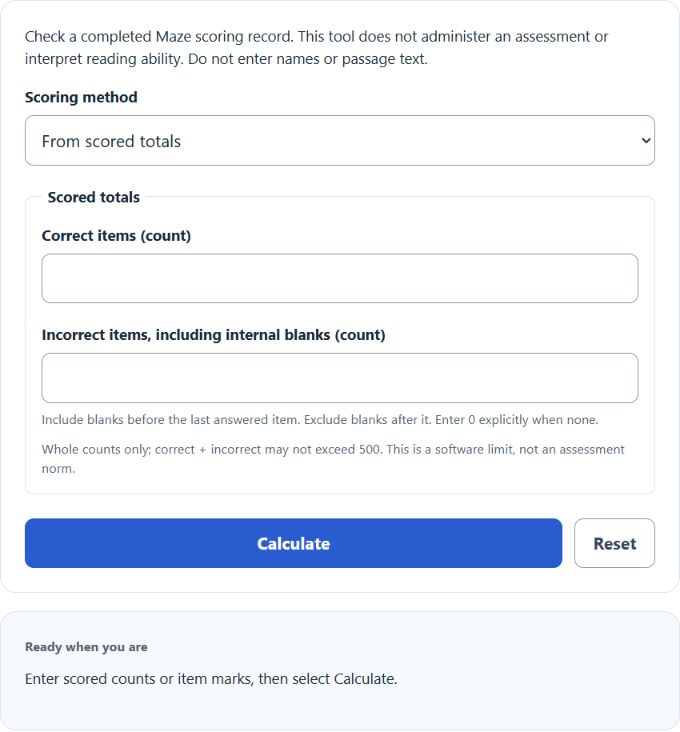
Calculate the DIBELS 8 Maze adjusted score from scored totals or item marks. Check which blanks count toward the error total.
- WCPM Calculator
- Reading Fluency Progress Monitoring Calculator
- Quiz Grade Calculator
- Everyday Life and Education Calculators
- Reading Fluency Percentile Calculator
- Repeated-Reading Error Comparison Calculator
- Reading Accuracy Rate Calculator
Maze Adjusted Score Formula
C = correct items; I = incorrect items, including blanks before a later answered item; R = raw value; S = adjusted score in points. Keep positive half points; report a negative raw value as 0. This follows the 2026 DIBELS 8 scoring guide, Maze pages 80–83.
How to Use the Calculator
- Classify responses using the official scoring key and administration rules. Do not enter names, passages or answers.
- Choose From scored totals and enter correct and incorrect whole counts, including explicit zeros; or choose From item marks and enter ordered C (correct), E (incorrect answer), and B (blank), separated by commas or spaces.
- Select Calculate. Open Calculation details to check the penalty, raw value and item classifications.
In item-mark mode, the final C or E is the last answered position. Earlier B marks count as incorrect; later B marks are excluded. Include every position explicitly: C,,E is invalid. Totals alone cannot identify blank positions. Both modes have a 500-item limit; item-mark text is limited to 4000 characters. These are software limits.
Worked Examples
Scored totals: C = 18 and I = 5 give R = 18 − 5/2 = 15.5 points; S remains 15.5. With C = 0 and I = 5, R = −2.5 and S = 0 points.
Item marks: C, C, B, E, C, B, B ends its answered portion at position 5. C = 3; I = 2 from the incorrect answer at 4 and internal blank at 3. Trailing blanks 6–7 are excluded. S = 3 − 2/2 = 2 points. These are fictional classifications, not assessment items.
FAQ
What if every item is blank?
An all-B record has no answered position, so supplied blanks are excluded and the arithmetic score is 0. An empty entry is missing input and cannot calculate.
Is the score a percentage or instructional decision?
No. It is an adjusted point score, not percent correct, a percentile, diagnosis or placement recommendation. Use the assessment’s own interpretation rules.
Why does the previous result remain after editing?
Select Calculate to update it. Reset clears this calculator’s fields and saved inputs.
Sources
- University of Oregon: DIBELS 8 Administration and Scoring Guide (2026) — Maze formula and response rules, pages 80–83.
- University of Oregon: DIBELS 8 Materials — official assessment resources.