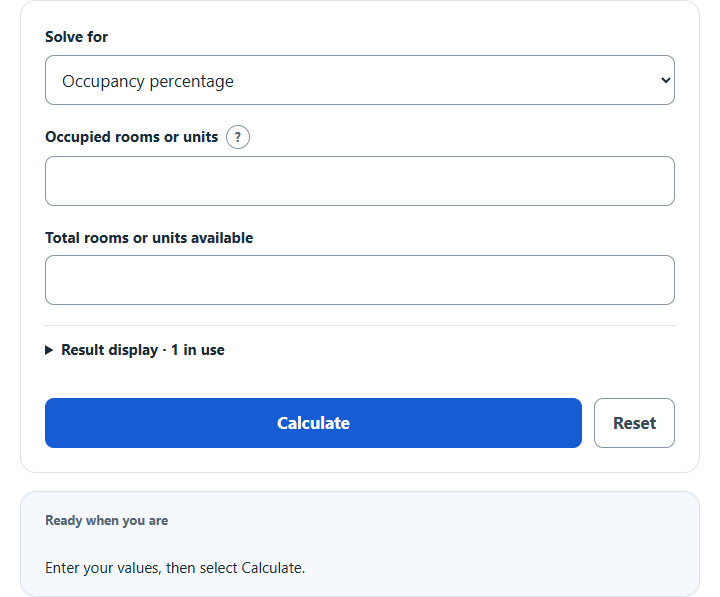
Calculate occupancy percentage from occupied and total rooms, beds or units for a hotel or apartment building, or find occupied or total units from a rate.
- All Business Calculators
- Max Occupancy Calculator
- Occupancy Load Factor Calculator
- Occupancy Rate Index Calculator
Calculator Functions
| Function | What it does | What it requires |
|---|---|---|
| Occupancy percentage | Finds the share of available rooms, beds or units that are occupied | Requires the occupied rooms or units and the total rooms or units available |
| Occupied rooms or units | Finds the number of occupied units that an occupancy percentage represents | Requires the total rooms or units available and the occupancy (%) |
| Total rooms or units available | Finds the total that an occupied count represents at a given occupancy percentage | Requires the occupied rooms or units and the occupancy (%) |
Every result also shows the vacancy rate and the number of vacant units. The result display setting changes the rounding from 0 to 3 decimal places and starts at 2.
Occupancy Percentage Formulas
| OP | Occupancy percentage (%) |
| O | Occupied rooms, beds or units |
| T | Total rooms, beds or units available |
Occupancy percentage
With 30 of 100 rooms occupied, occupancy is 30 ÷ 100 × 100 = 30%. A hotel that sold 72 of 182 available rooms is at 39.56%. An occupied count larger than the total is rejected.
Occupied rooms or units
A 659-unit community at 90% occupancy has 659 × 0.90 = 593.1 occupied units. A fractional answer is an average or a target, and is left unrounded.
Total rooms or units available
150 occupied units at 75% occupancy means 150 ÷ 0.75 = 200 units in total. An occupancy of 0% is rejected, because it fits any total.
Vacancy rate
Vacant units are T − O. A property with 295 units and 5 vacant has 290 occupied, which is 98.31% occupancy and 1.69% vacancy.
How to Calculate Occupancy Percentage
Divide the occupied rooms or units by the total available, then multiply by 100. For one night or one point in time, count rooms. For a week, month or year, hotels count room nights: rooms available is the number of rooms times the number of days, and rooms sold is the total sold across those days [1]. A 100-room hotel has 100 × 31 = 3,100 room nights available in a 31-day month, and 2,325 sold gives 2,325 ÷ 3,100 × 100 = 75%.
The same ratio works for apartments (occupied units over total units), hospital or care beds (occupied bed days over available bed days) and parking or storage spaces.
Limits of This Estimate
- Both numbers must describe the same rooms and the same period. Mixing a single night with a monthly total gives a meaningless percentage.
- What counts as occupied and available changes the answer. Hotel benchmarking leaves complimentary rooms out of rooms sold [1], and a property may or may not remove out-of-service rooms or model units from the total.
- Occupancy counts units, not income. A full building at discounted rents and a full building at market rents show the same percentage.
Sources
- CoStar, STR Benchmark Glossary: hotel occupancy as rooms sold divided by rooms available, and how rooms available and rooms sold are counted