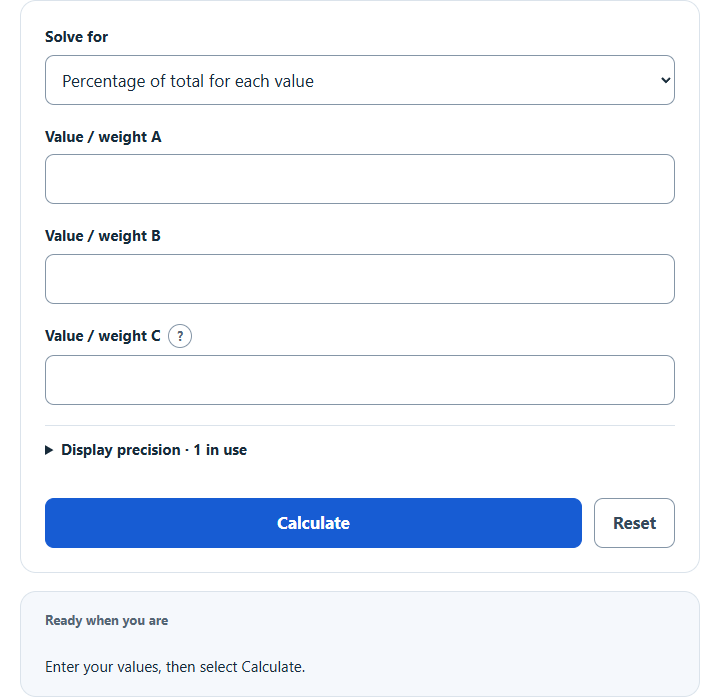
Calculate a percentage distribution: find each value’s percentage of the total, split a total by percentages, or normalize weights to a set total.
Related Calculators
- Percent of Men Calculator
- Literacy Rate Calculator
- Completion Ratio Calculator
- Dropout Ratio Calculator
- All Statistics Calculators
Percentage Distribution Formula
The following equation is used to calculate the Percentage Distribution.
- Where PD is the percentage distribution (%)
- IV is the individual value
- T is the total of all values
To calculate percentage distribution, divide the individual value by the total, then multiply by 100.
What is a Percentage Distribution?
Definition:
A percentage distribution breaks down the parts of a total to reveal how each part compares to the total. Converting raw figures into percentages makes it simpler to analyze the proportion of each component within a whole.
How to Calculate Percentage Distribution?
Example Problem:
The following example outlines the steps and information needed to calculate the Percentage Distribution.
First, determine the total. In this example, the total is 500.
Next, determine the individual value. In this case, one part has a value of 75.
Finally, calculate the percentage distribution using the formula above:
PD = (IV / T) x 100
PD = (75 / 500) x 100
PD = 15%
FAQ
How do I interpret percentage distribution results?
Percentage distribution results offer a simple way of comparing each portion to the total. If a certain part has a high percentage, it indicates it occupies a significant share of the total.
Why is percentage distribution important?
It allows for quick comparisons and helps identify patterns or trends. Expressing data as percentages makes disparities or relationships more apparent, aiding in decision-making or analysis.
Can percentage distributions sum to more than 100%?
This tool treats A, B and C as distinct parts. In Allocate mode, entered percentages must sum to at most 100%; any remainder is unallocated. Analyze and Normalize modes have mathematical shares totaling 100%, although independently rounded displayed shares can have a different sum. Overlapping-category percentages belong to a different model.