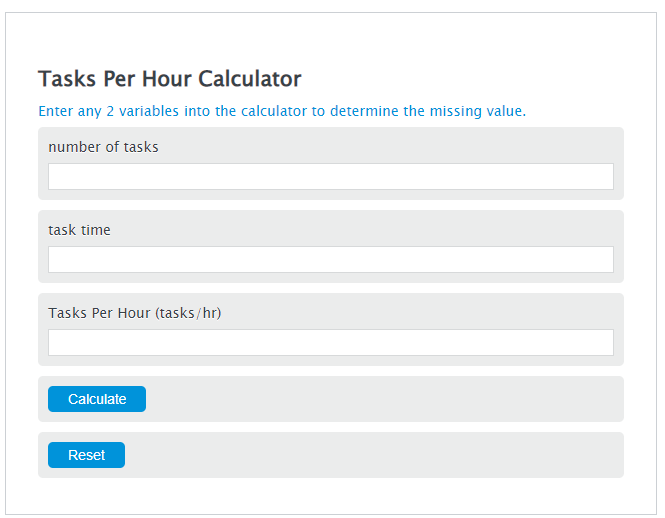
Calculate tasks per hour from completed tasks and work time, or solve for task count or required time, with minutes or hours, per-task pace, shift output, and target comparison.
Related Calculators
- Units Per Hour Calculator
- Time Per Task Calculator
- Production Rate Calculator
- Manufacturing Days Calculator
- Production Increase Calculator
- Turnaround Time Calculator
- All Business Calculators
Tasks Per Hour Formula
The basic tasks per hour formula is:
- TPH = tasks per hour
- T = number of tasks completed
- H = total time in hours
If you know tasks and tasks per hour, the time formula is:
- H = required time in hours
- T = number of tasks
- TPH = tasks per hour
If you know time and tasks per hour, the task count formula is:
- T = estimated number of tasks
- TPH = tasks per hour
- H = total time in hours
For the time card mode, the calculator first finds net work time:
- Net Minutes = worked minutes after break deductions
- End Time = clock-out time
- Start Time = clock-in time
- Break Minutes = unpaid or deducted break time
- T = tasks completed
For the daily task time mode, the calculator adds all entered task times and counts:
- H1 through H6 = time entered for each task row, converted to hours
- T1 through T6 = task count entered for each row
- Total Hours = total time spent
- Total Tasks = total completed task count
The basic rate mode uses any two values to calculate the missing value: tasks, time, or tasks per hour. The time card mode uses start time, end time, breaks, and completed tasks to calculate a work rate. The daily task time mode totals multiple task rows, then calculates the overall tasks per hour. If you enter a target rate, it also estimates the target number of tasks for the time entered.
Common Time Conversions for Tasks Per Hour
Convert time to hours before dividing tasks by time. These values are commonly used when checking a tasks per hour result.
| Time | Decimal Hours | Example Rate for 60 Tasks |
|---|---|---|
| 15 minutes | 0.25 hours | 240 tasks/hr |
| 30 minutes | 0.5 hours | 120 tasks/hr |
| 45 minutes | 0.75 hours | 80 tasks/hr |
| 1 hour | 1.0 hours | 60 tasks/hr |
| 2 hours | 2.0 hours | 30 tasks/hr |
How to Read Tasks Per Hour Results
| Result Type | What It Means | How to Use It |
|---|---|---|
| Tasks per hour | Average number of tasks completed in one hour | Compare productivity across shifts, jobs, or task types |
| Required time | How long a task count will take at a given rate | Estimate schedules or workload completion time |
| Estimated tasks | How many tasks can be completed in a set time | Set output goals for a shift or work block |
| Vs. target | Difference between actual tasks and target tasks | See if output was above or below the target rate |
Example Tasks Per Hour Calculations
Example 1: Basic rate
You completed 150 tasks in 2.5 hours.
Your rate is 60 tasks per hour.
Example 2: Time card rate with a break
You completed 320 tasks from 9:00 AM to 5:30 PM, with a 30-minute break.
Elapsed time is 8 hours 30 minutes, or 510 minutes. Net work time is 510 – 30 = 480 minutes, or 8 hours.
Your rate is 40 tasks per hour.
Tasks Per Hour FAQ
How do you calculate tasks per hour?
Divide the number of completed tasks by the total time in hours. For example, if you complete 90 tasks in 1.5 hours, the calculation is 90 ÷ 1.5 = 60 tasks per hour.
Do breaks count in tasks per hour?
It depends on what you want to measure. If you want the rate while actively working, subtract break time before calculating. If you want the rate across a full paid shift, include breaks in the total time.
Why is my tasks per hour result a decimal?
A decimal result means the rate does not divide evenly. For example, 100 tasks in 3 hours is 33.3333 tasks per hour. You can round it to 33.33 or 33.3 tasks per hour, depending on how much detail you need.