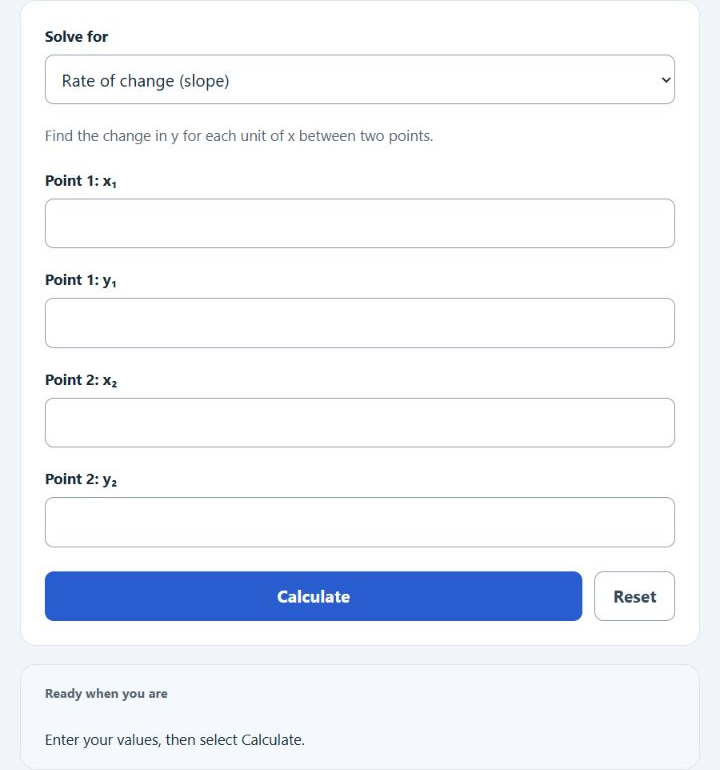
Choose rate of change between points, a balance-weighted percentage rate, or the equal-weighted mean of two rates, then select Calculate. Slope is (y₂ − y₁)/(x₂ − x₁), with different x values required. A weighted rate is Σ(balance × rate)/Σ(balance), using comparable rate periods and compounding conventions. Enter up to eight balance/rate pairs, one per line separated by | or a tab; every pair must be complete. The examples below use Mean of two rates.
Related Calculators
- Call Attempts Per Second Calculator
- Processing Time Calculator
- Rate of Change Calculator
- Work Rate Calculator
- Usage Rate Calculator
- Completion Rate Calculator
- All Math and Numbers Calculators
Two-Point Average (Arithmetic Mean) Formula
The following two example problems outline the steps and information needed to calculate the two-point average (the arithmetic mean) of an initial and final rate.
- Where AVR is the two-point Average Rate (simple arithmetic mean)
- IR is the initial rate
- FR is the final rate
To calculate the two-point average rate, sum the initial and final rates, then divide by 2 (this is an equal-weighted average of the two values).
How to Calculate a Two-Point Average Rate?
The following example problems outline how to calculate the two-point Average Rate (arithmetic mean).
Example Problem #1:
- First, determine the initial rate.
- The initial rate is given as 50.
- Next, determine the final rate.
- The final rate is provided as 90.
- Finally, calculate the Average Rate using the equation above:
AVR = (IR + FR) / 2
The values provided above are inserted into the equation below and computed.
AVR = (50 + 90) / 2 = 70
Example Problem #2:
For this problem, the variables required are provided below:
initial rate = 40
final rate = 30
Test your knowledge using the equation and check your answer with the calculator.
AVR = (IR + FR) / 2 = (40 + 30) / 2 = 35