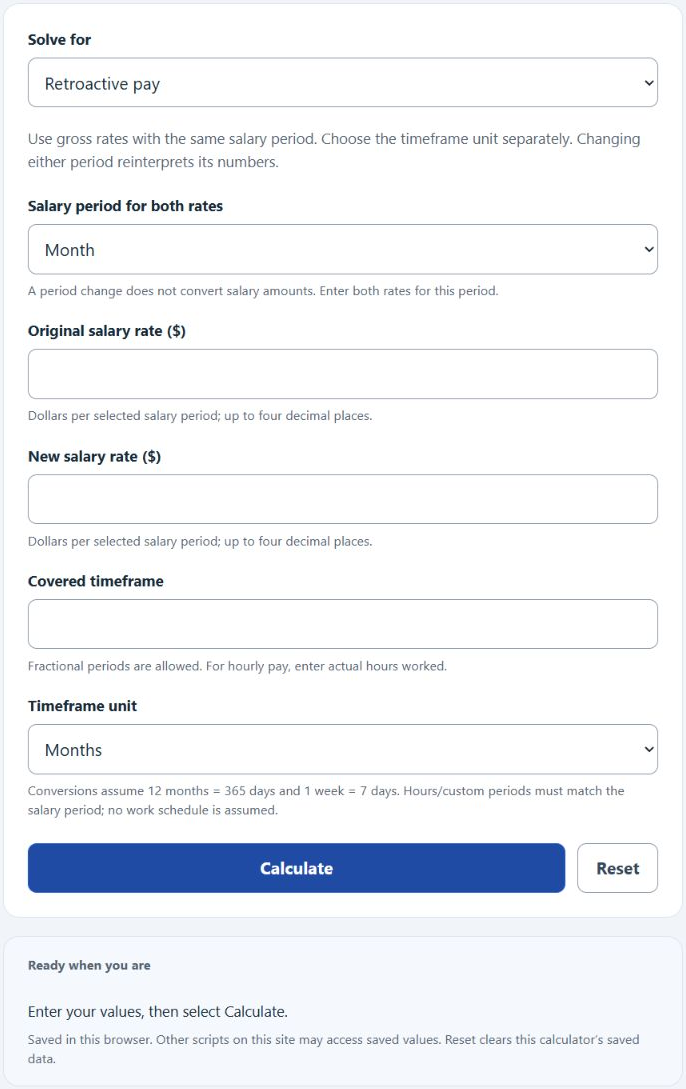
Estimate gross retroactive base pay, either salary rate, or the covered timeframe. Select the salary period for both rates and the timeframe unit explicitly; changing these choices reinterprets the numbers. Calendar conversions assume 12 months = 365 days and 1 week = 7 days. For hourly pay or custom pay periods, use matching units.
Backdated Salary Increase Formula
The following equation is used to calculate the Backdated Salary Increase.
- Where BSI is the gross retroactive base-pay adjustment ($), before tax, deductions and overtime adjustments
- NR is the new gross salary rate ($ per selected salary period)
- OR is the original gross salary rate ($ per the same salary period)
- T is the covered timeframe expressed in that same salary period
To calculate the backdated salary increase, multiply the difference between the new and original salary rates by the portion of time that should have been covered at the new rate.
What is a Backdated Salary Increase?
Definition:
A backdated salary increase is an adjustment to an employee’s pay rate applied retroactively to a date in the past. This means the employee is owed the difference in pay for the timeframe during which the raise should have been effective.
How to Calculate Backdated Salary Increase?
Example Problem:
The following example outlines the steps and information needed to calculate the Backdated Salary Increase.
First, select Retroactive pay and choose Year as the salary period. Enter the original $50,000 annual rate and new $55,000 annual rate.
Next, enter a covered timeframe of 3 and choose Months. This is 3/12 (0.25) of a year under the stated convention.
Finally, calculate the backdated salary increase using the formula above:
BSI = (NR - OR) * T
BSI = ($55,000 - $50,000) * 0.25
BSI = $5,000 * 0.25 = $1,250 in estimated gross retroactive base pay, before tax, deductions and any overtime adjustment
FAQ
How should I handle different pay structures (hourly vs. salary)?
For hourly base pay, select Hour worked and Hours worked, then enter actual covered hours. For salary, use matching rates and the covered fraction of their salary period. Additional overtime may be due and is not calculated here. Employer proration rules may differ from this calculator’s fixed calendar convention.
Is there a limit on how far back I can apply a salary increase?
The allowable timeframe for backdating a salary increase may vary depending on local labor laws and contractual agreements. Consult legal counsel or human resources policies to ensure compliance with all regulations.
Are there any additional taxes or deductions to consider?
In most cases, standard taxes and deductions apply to the retroactive pay just as they would to any other income. Confirm any special requirements with your payroll department or a tax professional.