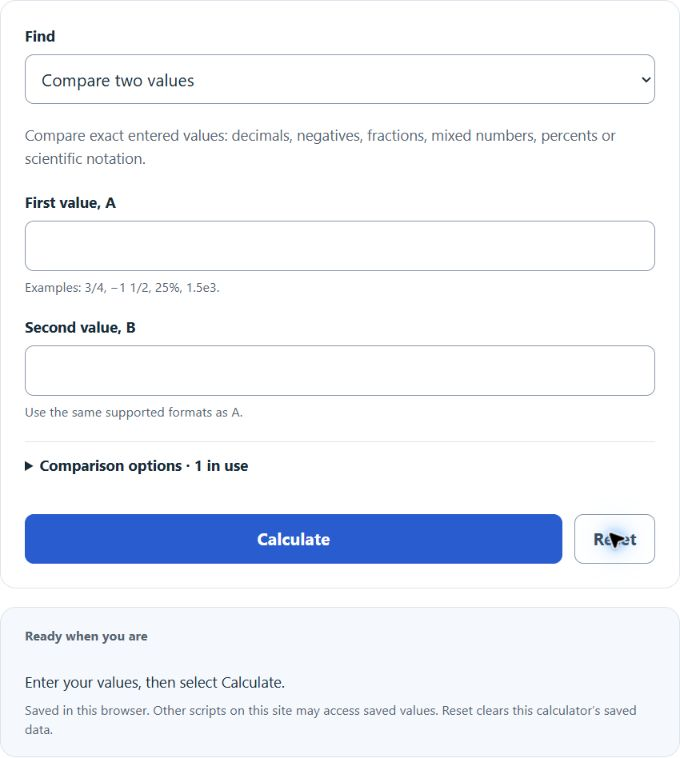
Check whether a number is greater than, less than or equal to another, including negatives, fractions and percents, or put a list of numbers in order.
Related Calculators
- Target vs Achievement Percentage Calculator
- Capacity Percentage Calculator
- Improvement Percentage Calculator
- Average Ratio Calculator
- All Math and Numbers Calculators
Calculator Functions
| Function | What it does | What it requires |
|---|---|---|
| Compare two values | Finds whether the first value is greater than, less than or equal to the second | Requires the first value, A, and the second value, B |
| Order a list | Sorts a list of values and joins them with the correct symbols | Requires 2 to 200 values and the order, smallest to largest or largest to smallest |
| Check a range | Tests whether a value lies between a lower and an upper bound | Requires the value to test, the lower bound, the upper bound and whether the endpoints are included |
A value can be a whole number, a decimal, a negative number, a fraction such as 3/4, a mixed number such as −1 1/2, a percent such as 25% or scientific notation such as 1.5e3. A percent is read as that number divided by 100. Two comparison options apply to every function: an equality tolerance, which marks values that are close to each other, and the number of decimal places shown, from 2 to 8.
Greater Than and Less Than Formulas
| a, c | Numerators of the two values |
| b, d | Denominators of the two values, both positive |
The symbol > means greater than and < means less than. The open side of the symbol faces the larger value, so 9 > 4 and 4 < 9 say the same thing. Every entry is turned into an exact fraction before it is compared: 0.7 becomes 7/10 and 25% becomes 1/4. The two cross products are then compared as whole numbers, which is why no rounding error can change the answer. If the cross products are equal, the values are equal.
Compare two values
To compare 2/3 with 7/9, the cross products are 2 × 9 = 18 and 7 × 3 = 21. Since 18 is less than 21, 2/3 < 7/9. For 28.82 and 28.77, the result is 28.82 > 28.77. The result also lists the reversed statement, the difference A − B, the distance between the values, A as a percent of B, how many times B goes into A and the midpoint. For 3481 and 2956, the difference is 525 and A is 1.1776 times B.
Comparing Negative Numbers
On a number line, the value farther to the right is the greater one. For negative numbers that is the one closer to zero. −5 is greater than −10, −9 is greater than −10 and −5 is greater than −7. A negative number is always less than zero and less than any positive number, so −0.5 < 1.
Order a list
Values are separated by commas, semicolons or new lines, and each pair is compared with the same exact method. The list −1.6, 80%, −1 2/5, −2, 0, −145% ordered from smallest to largest is −2 < −1.6 < −145% < −1 2/5 < 0 < 80%. The result names the greatest and the least value and gives the spread between them, here 2.8. An entry that is not a valid number is left out and listed as ignored.
Check a range
With exclusive endpoints, a value has to be strictly between the bounds, so 10 is outside the range 1 to 10. With inclusive endpoints the test is low ≤ x ≤ high and 10 is inside. Either endpoint can be included on its own. The result also gives the range width and how far across the range the value sits: 5 is 44.4444% of the way from 1 to 10. Bounds entered high to low are swapped.
Limits of This Estimate
- Only numbers are compared. An inequality with a variable, such as 2x + 1 > 7, is not solved.
- The decimals shown are rounded to the chosen number of places. The comparison itself uses the exact values, so two entries can show the same decimal and still be unequal.
- A tolerance match means the values are close, not equal. It never changes the <, > or = symbol.