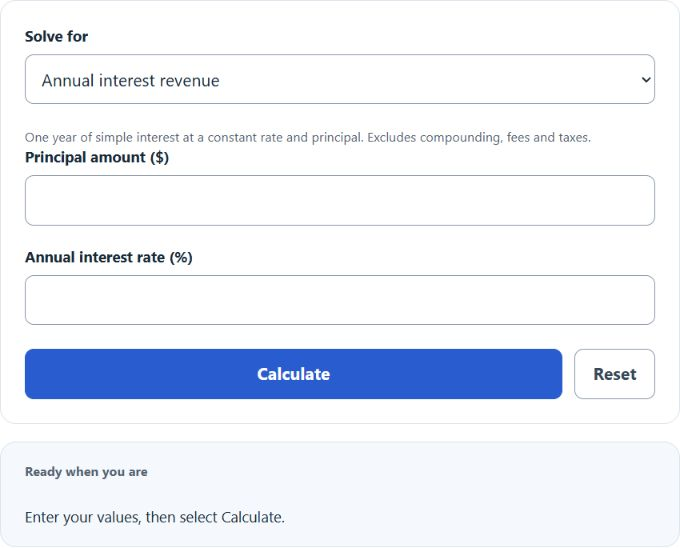
Choose annual interest revenue, principal amount or annual interest rate, then enter the known values. The simple-interest model assumes one year with unchanged principal and rate.
Related Calculators
- Time Deposit Interest Calculator
- Weekly Interest Calculator
- Borrowing Cost Calculator
- 1 Percent Daily Return Calculator
- All Personal Finance Calculators
Interest Revenue Formula
The calculator uses the simple annual interest formula. Choose which value to solve for; only the required known inputs are shown.
To solve for principal amount:
To solve for interest rate:
- IR = interest revenue per year, in dollars
- P = principal amount, in dollars
- r = annual interest rate, as a percent
If you enter principal and interest rate, the calculator finds annual interest revenue. If you enter interest revenue and interest rate, it finds the principal amount required. If you enter interest revenue and principal, it finds the annual interest rate.
Common Annual Interest Revenue Amounts
The table below shows annual interest revenue for several principal amounts and interest rates using simple interest.
| Principal | 2% Rate | 4% Rate | 6% Rate | 8% Rate |
|---|---|---|---|---|
| $1,000 | $20 | $40 | $60 | $80 |
| $5,000 | $100 | $200 | $300 | $400 |
| $10,000 | $200 | $400 | $600 | $800 |
| $25,000 | $500 | $1,000 | $1,500 | $2,000 |
Example Calculations
Example 1: Calculate interest revenue
You have a principal amount of $12,000 and an annual interest rate of 5%.
The annual interest revenue is $600.
Example 2: Calculate the interest rate
You earned $450 in interest revenue from a $15,000 principal amount.
The annual interest rate is 3%.
FAQ
What is interest revenue?
Interest revenue is the money earned from lending or investing a principal amount. For this calculator, interest revenue is shown as a yearly dollar amount.
Does this calculator include compound interest?
No. This calculator uses simple annual interest only. It does not account for compounding, reinvested interest, changing rates, fees, or taxes.
How do I choose the value to calculate?
Select the desired result in the solve menu, then enter the two known inputs. A zero rate cannot determine principal, and a zero principal cannot determine rate.