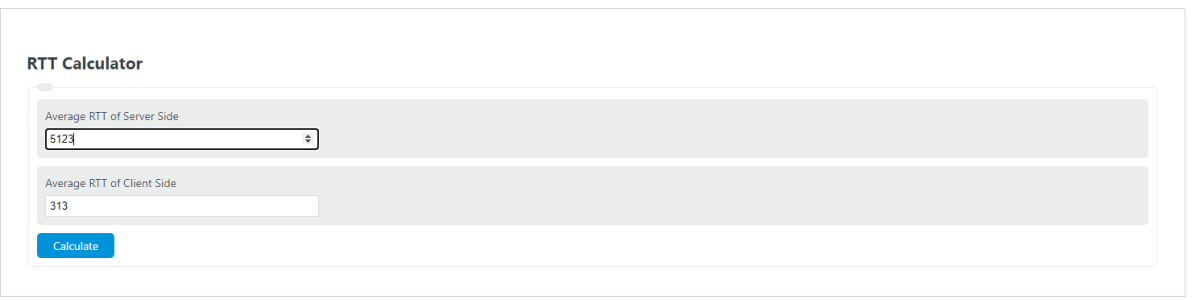
Calculate round-trip time (RTT) or a missing one-way latency from client-to-server and server-to-client delays in ms, s, µs, or ns.
Related Calculators
- Ping Speed Calculator
- Average Response Time Calculator
- Bandwidth Delay Product Calculator
- Queries Per Second Calculator
- Packets Per Second Calculator
- All Math and Numbers Calculators
RTT Formula
Round-trip time (RTT) is the total elapsed time for data to travel from a client to a server and back again. In networking, it is one of the clearest measures of connection responsiveness because it captures the full request-and-response path rather than only a single direction.
This calculator is useful when you know the average one-way latency from client to server, the average one-way latency from server to client, or the total RTT. Enter any two values and the calculator solves for the third.
Variable Definitions
- RTT
- Total round-trip time for a packet, request, or message to go out and return.
- \\(\overline{D}_{c\to s}\\)
- Average one-way latency from the client to the server.
- \\(\overline{D}_{s\to c}\\)
- Average one-way latency from the server back to the client.
How to Use the RTT Calculator
- Enter the average latency for the Client → Server path.
- Enter the average latency for the Server → Client path, or enter the known RTT.
- Make sure all values use the same unit before calculating.
- Click calculate to get the missing value instantly.
If your network path is symmetrical, the two one-way delays may be similar. In that case, RTT is often close to twice the one-way latency.
That shortcut is only an approximation. Real networks often have different delays in each direction due to routing differences, congestion, wireless conditions, or processing overhead.
Averaging One-Way Delay
Latency usually changes from packet to packet, so using an average is more informative than relying on a single measurement. If you collect multiple samples in each direction, the directional average can be calculated as follows:
Using averaged directional measurements reduces the effect of temporary spikes and gives a more representative RTT estimate.
Unit Conversion Notes
The calculator supports milliseconds, seconds, microseconds, and nanoseconds. Before adding or subtracting values, keep all entries in the same unit.
For most application and network troubleshooting scenarios, milliseconds are the most practical unit because they are easy to compare and interpret.
Example
If the average latency from client to server is 7.354 ms and the average latency from server to client is 4.568 ms, then the RTT is:
If the RTT is already known and you want to recover the missing forward-path delay, subtract the reverse-path delay from the RTT:
Why RTT Matters
- Web applications: Higher RTT can make pages, APIs, and interactive dashboards feel slower even when bandwidth is adequate.
- Online gaming: Lower RTT generally improves responsiveness and reduces input delay.
- Voice and video calls: Excessive RTT can make conversations feel delayed and less natural.
- Remote desktop and cloud apps: RTT directly affects how quickly clicks, keystrokes, and screen updates are reflected.
- Network diagnostics: Comparing RTT values across routes, servers, or time periods helps identify performance changes.
What Can Increase RTT?
- Long physical distance between client and server
- Congested routers or network queues
- Wireless interference or unstable signal quality
- VPN tunnels, proxies, or additional network hops
- Server processing delays before sending a response
- Packet loss and retransmissions
- Asymmetric routing where the return path differs from the outbound path
Important Interpretation Notes
- RTT is a round-trip measurement, not a pure one-way delay measurement.
- Two connections with the same bandwidth can feel very different if their RTT values differ significantly.
- If you solve for a one-way delay and get a negative value, the inputs are inconsistent and should be checked.
- One-way measurements typically require more specialized timing or synchronized clocks, while RTT is commonly easier to observe directly.