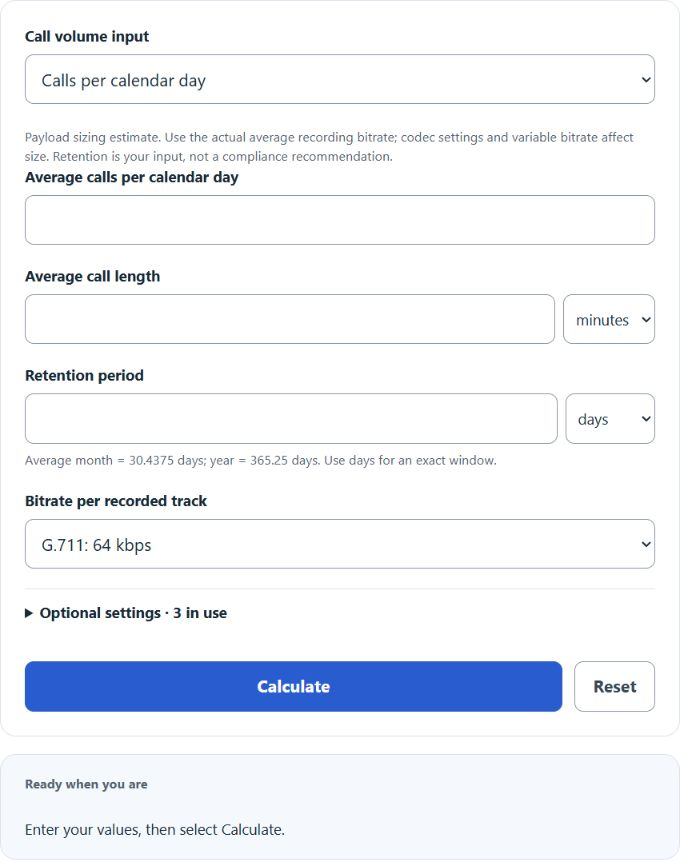
Estimate call recording storage by daily calls, agent workload, or total calls with codec bitrate, tracks, retention, reserve, and backup copies.
- All Unit Converters
- Calls Rate Calculator
- Video File Size Calculator
- Audio File Size Calculator
- Data Size Calculator
- Recording Time Calculator
- GB Per Hour Calculator
Call Recording Storage Formula
- Calls: total recorded calls over the retention window
- Seconds_per_call: average call length in seconds
- Total_kbps: codec bitrate × number of tracks (1 mixed or 2 separate)
- Reserve: safety margin as a decimal (e.g. 0.10 for 10%)
Total calls depend on the input mode:
Division by 8,000 converts kbps × seconds into decimal megabytes: 1 byte = 8 bits and 1 MB = 1,000,000 bytes. GB uses 1,000,000,000 bytes; GiB uses 1,073,741,824 bytes. Average months are 30.4375 days and years are 365.25 days; use days for an exact window. Preset compressed-audio rates are assumptions. Use the actual average recorded bitrate for variable-bitrate audio.
Bitrate and File Size Reference
Use this to sanity-check the codec choice against the file sizes you expect to land in storage.
| Codec / format | Bitrate | 6-min call (mono) | Common use |
|---|---|---|---|
| G.729 | 8 kbps | ~0.36 MB | Bandwidth-limited VoIP |
| Illustrative compressed audio | 13 kbps | ~0.59 MB | Mobile, legacy archives |
| Opus voice | 24 kbps | ~1.08 MB | Modern WebRTC recording |
| MP3 low | 32 kbps | ~1.44 MB | Compressed archives |
| G.711 / μ-law | 64 kbps | ~2.88 MB | Standard PBX recording |
| WAV PCM 8 kHz 16-bit | 128 kbps | ~5.76 MB | Uncompressed quality control |
Two separately recorded tracks at the same per-track bitrate double these payload sizes. Container metadata, transcripts and QA assets require separate measurement or allowance; there is no guaranteed overhead percentage.
Retention Periods by Industry
Retention strongly affects storage. Choose the retention input from requirements applicable to your recordings and jurisdiction. The limited examples below are not universal default settings.
| Sector | Typical retention | Driver |
|---|---|---|
| General sales / support | Organization-specific policy | QA and dispute review |
| PCI-DSS card payments | PCI DSS prohibits sensitive authentication data such as CVV in recordings after authorization | Card data scope |
| Healthcare records | No blanket HIPAA call-recording period | Depends on record and jurisdiction; six years concerns required HIPAA documentation |
| Financial services (MiFID II) | 5 years; up to 7 on competent-authority request | Relevant recordings under MiFID II Article 16(7) |
| Debt collection (US) | 3 years after each recorded call | Regulation F for covered debt collectors; does not require recording calls |
Worked Example
A 35-agent contact center, 28 calls per agent per day, 5 workdays per week, 6-minute average length, G.711 mono at 64 kbps, 180-day retention, 10% reserve.
- Calendar-day calls: 35 × 28 × 5 / 7 = 700
- Total calls over 180 days: 700 × 180 = 126,000
- Seconds per call: 360
- Raw storage: 126,000 × 360 × 64 / 8,000 = 362,880 MB ≈ 363 GB
- With 10% reserve: about 399 GB
Switch the codec to Opus at 24 kbps and the same workload drops to roughly 150 GB recommended. Add a second track for separated agent and customer audio and the figures double.
FAQ
Should I size for raw or recommended storage? Start with the primary estimate including your chosen reserve, then compare it with measured recordings and storage overhead. The reserve is an input allowance, not a guarantee of sufficient capacity.
Do I need two tracks? Only if your QA, transcription, or speech analytics tools require separated channels. Mixed mono cuts storage in half.
Why does my actual usage differ? Variable-bitrate codecs, silence suppression, hold music, and post-call wrap recordings all change the real footprint. Recheck after 30 days of production data and adjust the bitrate or reserve.
What about backups? The primary answer includes the selected reserve. The secondary total includes primary storage plus the entered number of additional full copies. Snapshot history, incremental backups and deduplication require separate sizing.