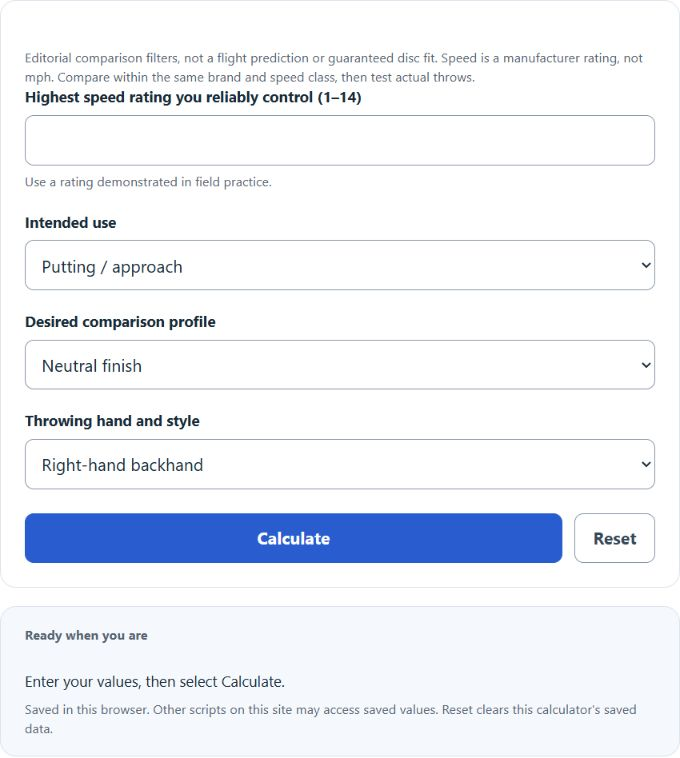
Find disc golf flight numbers to compare (speed, glide, turn and fade) from the top speed you control, the shot you need and your throwing style.
How the Disc Flight Selector Works
Upper comparison speed = min(chosen speed ceiling, intended-use band maximum)
Use a Demonstrated Speed Ceiling
Enter the highest manufacturer speed rating you can already throw with a useful, repeatable flight in ordinary field practice. For example, choose 7 if a speed-7 disc flies as intended but a faster disc consistently fades early for you. This input describes experience with the rating scale. It is not release speed in miles per hour, a radar reading, or a distance divided by a constant. When uncertain, start with a lower ceiling and compare actual throws.
The Editorial Speed Bands
The selector uses putting/approach 1–3, midrange 4–5, fairway 6–9, and distance 10–14 as simple organizational bands. These are this tool’s comparison categories, not official boundaries that every manufacturer follows. The selected ceiling caps the high end. If your ceiling is below the band’s minimum, the result falls back to speeds 1 through your ceiling and explains the mismatch. Selecting Distance never forces a recommendation above your demonstrated ceiling.
Read the Other Three Numbers
Within a comparable speed class, glide describes the tendency to stay aloft, turn describes the early high-speed turning tendency, and fade describes the finish as the disc slows. The ranges in the table are editorial starting filters for three shot intentions. They are not a measured fit formula. A neutral profile can still finish to one side, and a turn-oriented profile can still fade. Do not add turn and fade and treat the sum as a complete flight model.
Throwing Hand Changes the Directions
For right-hand backhand and left-hand forehand, high-speed turn tends right and low-speed fade tends left. For left-hand backhand and right-hand forehand, those directions reverse. The selector reports these tendencies separately. Release angle and the amount of turn can change the actual path, so a right-side target does not automatically require the same disc for every player or release style.
Worked Example
Suppose your controlled ceiling is 7 and you choose Fairway control with Neutral finish. The tool caps the 6–9 fairway band at 7 and shows speed 6–7. Its neutral comparison profile is glide 4–5, turn −1 to 0, and fade 0–1. For right-hand backhand, the direction guide shows turn right and fade left. If you instead choose Distance, the ceiling is below that band, so the fallback remains within speeds 1–7.
Compare Discs in the Same Context
Innova describes flight numbers as a guide to intended behavior and cautions against comparing turn, glide, or fade across different speed classes or treating different brands’ numbers as directly equivalent. Use the same brand and speed class for a close comparison, then test the actual disc. Plastic, disc weight, wear, spin, release angle, and wind can change the result even when printed numbers match. This tool supplies no product inventory or exact trajectory.
Assumptions and Limits
There is no validated universal equation here from arm speed to a four-number prescription. The chosen ceiling and shot-profile table make the assumptions visible. Treat the output as a shortlist of characteristics to investigate, not proof that a high-speed driver will travel farther or that a disc will hold a specific line. Wind is not modeled; a calm-weather comparison should not be treated as a wind-specific recommendation.
Reference Table
| Shot profile | Glide | Turn | Fade |
|---|---|---|---|
| Neutral finish / straight comparison | 4–5 | −1 to 0 | 0–1 |
| More high-speed turn | 4–6 | −3 to −2 | 0–1 |
| Stronger low-speed fade | 2–4 | 0 to +1 | 3–4 |
Sources
Innova Disc Golf, Flight Ratings System and Understanding Flight Numbers, 2022 / accessed 2026. Calculator Academy, editorial intended-use bands and shot-profile comparison filters, 2026.