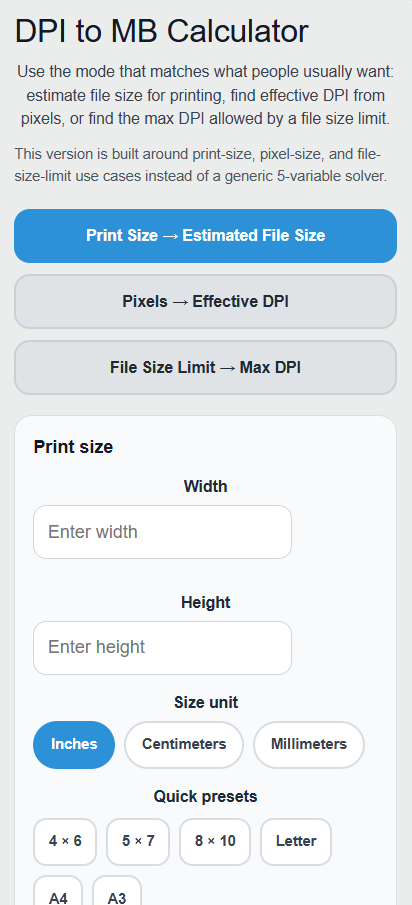
Calculate uncompressed image file size from print dimensions, DPI, and bit depth, or find effective DPI and maximum DPI from pixels or a file-size limit.
Related Calculators
- DPI Calculator (PPI)
- Resolution Calculator
- Pixels to Inches Calculator
- cm to Pixel Calculator
- cm to DPI Calculator
- Pica Calculator
- All Unit Converters
DPI to File Size Formula
The following formula is used to calculate the file size for a given width, height, DPI, and color depth.
Variables:
- FS is the file size in bytes
- W is the width in inches
- H is the height in inches
- DPI is the dots per inch
- CD is the color depth in bits per pixel
To calculate the file size, multiply the width by the DPI, then multiply the result by the height and the DPI again. Multiply this result by the color depth and divide by 8 to convert bits to bytes.
| Resolution (dpi) | File Size (MB) |
|---|---|
| 72 | 1.39 |
| 96 | 2.47 |
| 100 | 2.68 |
| 150 | 6.02 |
| 200 | 10.70 |
| 240 | 15.41 |
| 250 | 16.72 |
| 300 | 24.08 |
| 350 | 32.77 |
| 400 | 42.80 |
| 450 | 54.17 |
| 500 | 66.88 |
| 600 | 96.30 |
| 720 | 138.68 |
| 800 | 171.20 |
| 900 | 216.68 |
| 1000 | 267.51 |
| 1200 | 385.21 |
| 1440 | 554.70 |
| 2400 | 1540.83 |
| Assumes uncompressed 24-bit RGB (3 bytes/pixel) at US Letter size (8.5×11 in). 1 MB = 1,048,576 bytes. File size scales with dpi². | |
What is DPI?
DPI stands for Dots Per Inch and is a measure of the resolution of a printed or digital image. It indicates the number of individual dots that can be placed within a linear inch. Higher DPI values mean more detail and sharper images, while lower DPI values result in less detail and blurrier images. DPI is commonly used in printing and scanning to ensure that images are reproduced with the desired clarity and detail.
How to Calculate File Size from DPI?
The following steps outline how to calculate the file size from DPI.
- First, determine the width of the image in inches (W).
- Next, determine the height of the image in inches (H).
- Next, determine the DPI (dots per inch) of the image.
- Next, determine the color depth in bits per pixel (CD).
- Finally, calculate the file size using the formula FS = (W * DPI) * (H * DPI) * CD / 8.
- After inserting the values and calculating the result, check your answer with the calculator above.
Example Problem :
Use the following variables as an example problem to test your knowledge.
Width (W) = 8 inches
Height (H) = 10 inches
DPI = 300
Color Depth (CD) = 24 bits per pixel