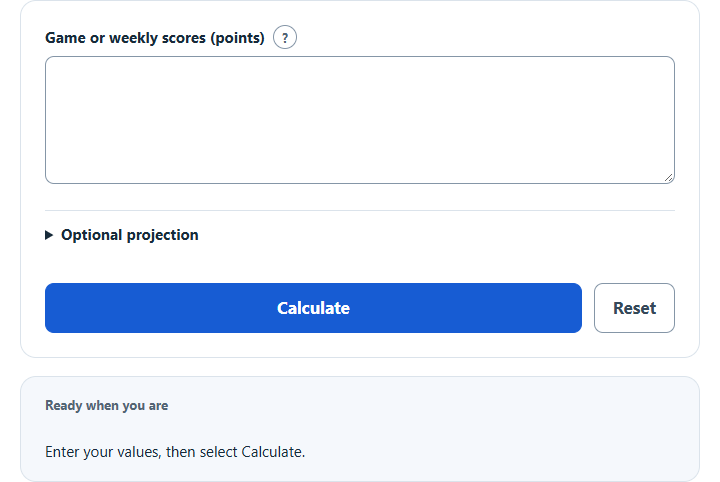
Calculate fantasy points per game from a list of weekly scores, with the median, spread and an optional projection over future games.
Fantasy Points Per Game Formula and Method
Average = sum of included weekly scores ÷ number of scores
Enter the actual point scores you want included, separated by commas or spaces. The denominator is the number of entries, so a bye omitted from the list differs from a deliberately entered zero. Use the same league scoring format and the same definition of an appearance for all entries.
How to Use This Calculator
Enter the scores to include under one consistent league scoring format. Optionally open the projection section and enter a future game count; blank omits that projection. Select Calculate, then open Calculation details for the median, population standard deviation and range.
Worked Example
With the example inputs in the table, the result is 15 points/game. Enter actual appearances only, or deliberately include zero weeks according to your analysis.
Population SD = square root of average squared distance from the mean
Input and Example Guide
| Input or category | Example or weight | Entry guidance |
|---|---|---|
| Game or weekly fantasy scores (points) | 12, 18, 24, 6 | Use matching entries separated by commas or spaces. |
| Future appearances to project (games, optional) | 10 | Use a whole count; leave blank to omit the projection. |
| Fantasy points per game | 15 points/game | Calculated result for the entered example. |
Interpreting the Result
The mean gives points per included game; the median shows the middle score; the population standard deviation summarizes spread within this supplied set. The future total simply multiplies the mean by future appearances. None of these summaries accounts for injuries, opponent difficulty or a changed role.
Standard deviation describes this entered sample. It is not a prediction interval, injury adjustment or guarantee of future consistency.
Assumptions and Common Input Errors
Enter actual appearances only, or deliberately include zero weeks according to your analysis. Use credited records rather than mixing estimates with final totals. A blank field is not treated as zero; enter zero explicitly when it is a valid observation.
Saving and Revising a Scenario
A successful calculation is saved in this browser and can be restored on the next visit. Editing an input keeps the previous result clearly marked until you select Calculate again. Reset clears this calculator’s entries and saved result.