Compare a fantasy trade by adding the trade values of the players you give and receive, taken from any value chart, to see which side comes out ahead.
Fantasy Trade Value Formula and Method
40 + 10 − (30 + 15) = 5
Enter the values on each side from one chart or valuation method, using the same update date and league format. The tool adds each list and subtracts the given-side total from the received-side total. A positive difference means the supplied received-side values sum to more.
How to Use This Calculator
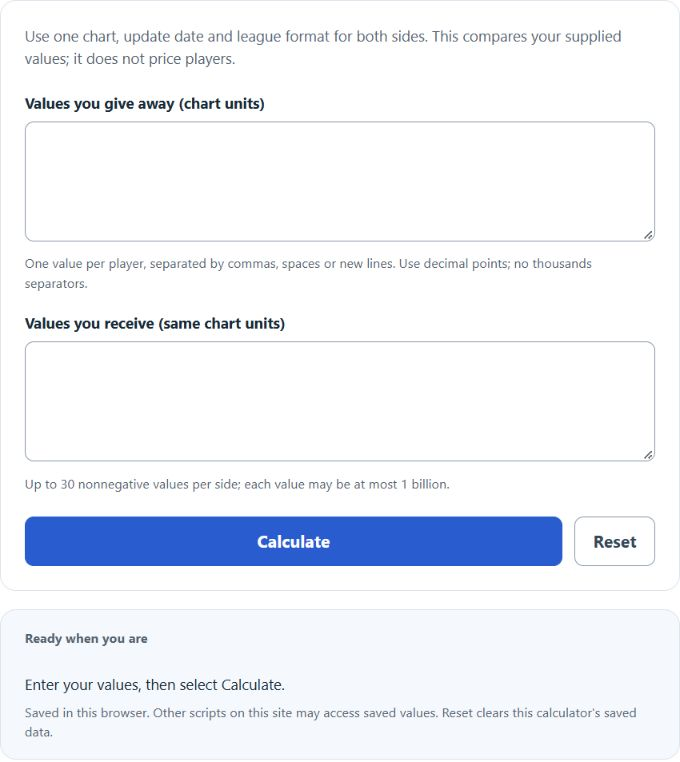
Enter the values you give and receive from the same chart, date and league format. Separate player values with commas, spaces or new lines, using decimal points without thousands separators. Select Calculate to compare the totals, then open Calculation details for exact decimal totals and the relative-change formula.
Worked Example
With the example inputs in the table, the result is 5 value units. A positive difference means the entered received-side total is larger.
Input and Example Guide
| Input or category | Example or weight | Entry guidance |
|---|---|---|
| Values you give away (same chart units) | 30, 15 | Use matching entries separated by commas or spaces. |
| Values you receive (same chart units) | 40, 10 | Use matching entries separated by commas or spaces. |
| Entered trade-value difference | 5 value units | Calculated result for the entered example. |
Interpreting the Result
A two-for-one exchange also changes roster space. This arithmetic does not place a value on the freed slot, replacement players, positional scarcity or keeper costs. It is a way to compare numbers you already trust, not a source of player prices or an automatic fairness judgment.
Use one value chart, date and league format for both sides. This arithmetic does not value players or account for roster slots, scarcity, keepers or replacement players.
Assumptions and Common Input Errors
A positive difference means the entered received-side total is larger. Use credited records rather than mixing estimates with final totals. A blank field is not treated as zero; enter zero explicitly when it is a valid observation.
Saving and Revising a Scenario
A successful calculation is saved in this browser and can be restored on the next visit. Editing an input keeps the previous result clearly marked until you select Calculate again. Reset clears this calculator’s entries and saved result.