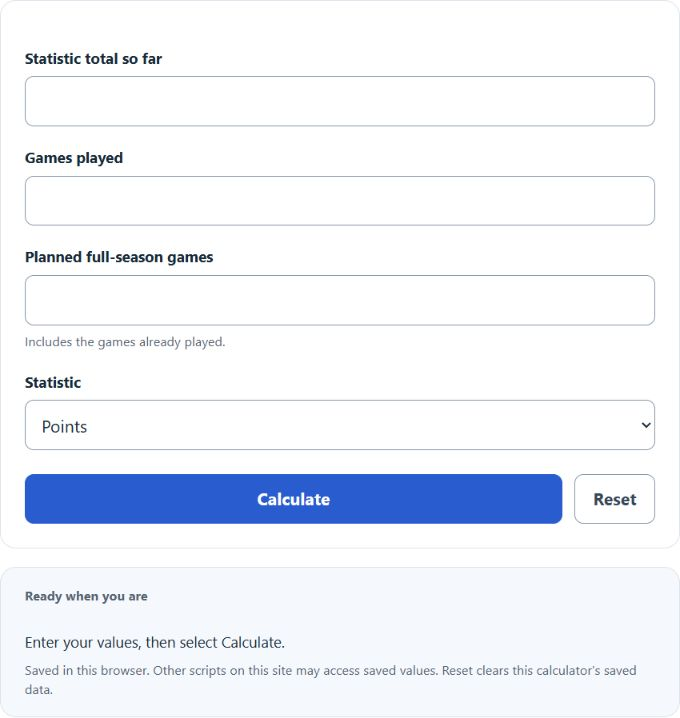
Calculate on pace from your inputs, with a result breakdown and worked steps.
On Pace Formula and Method
Full-season pace = (statistic total so far ÷ games played) × planned full-season games.
24 ÷ 8 = 3 per game
Start with a total that has already been accumulated and the number of games responsible for it. The planned season length includes games already played. The calculator first finds the current average, then extends that average over the complete season and reports the portion still to come.
How to Use This Calculator
Select the result and any applicable method before entering the visible values. Check the selected record, unit and scoring conventions before calculating. Review the primary result and its breakdown, then open the calculation steps to see how the inputs were used.
Worked Example
With the example inputs in the table, the result is 90 points. This projects the current average over the entered season length.
3 × 30 = 90
Input and Example Guide
| Input or category | Example or weight | Entry guidance |
|---|---|---|
| Current statistic total (count or points) | 24 | Use the stated unit; retain available precision. |
| Games played (count) | 8 | Use a whole count in the stated unit. |
| Planned season (games) | 30 | Use a whole count in the stated unit. |
| Statistic being projected | Points | Choose the convention that applies to your record. |
Interpreting the Result
A full-season pace is not the same as a forecast adjusted for playing time, opponents or injuries. If the statistic is shared across games unevenly, the average still gives a useful descriptive benchmark. A fraction in the projected total is retained because it represents an expected amount, even for stats recorded as whole counts.
A rate projection can be fractional even when actual totals must be whole counts. It assumes unchanged participation and performance.
Assumptions and Common Input Errors
This projects the current average over the entered season length. Use credited records rather than mixing estimates with final totals. A blank field is not treated as zero; enter zero explicitly when it is a valid observation.
Saving and Revising a Scenario
A successful calculation is saved in this browser and can be restored on the next visit. Editing an input marks the saved result as stale until Calculate is selected again. Reset clears the entries and this calculator’s saved result.