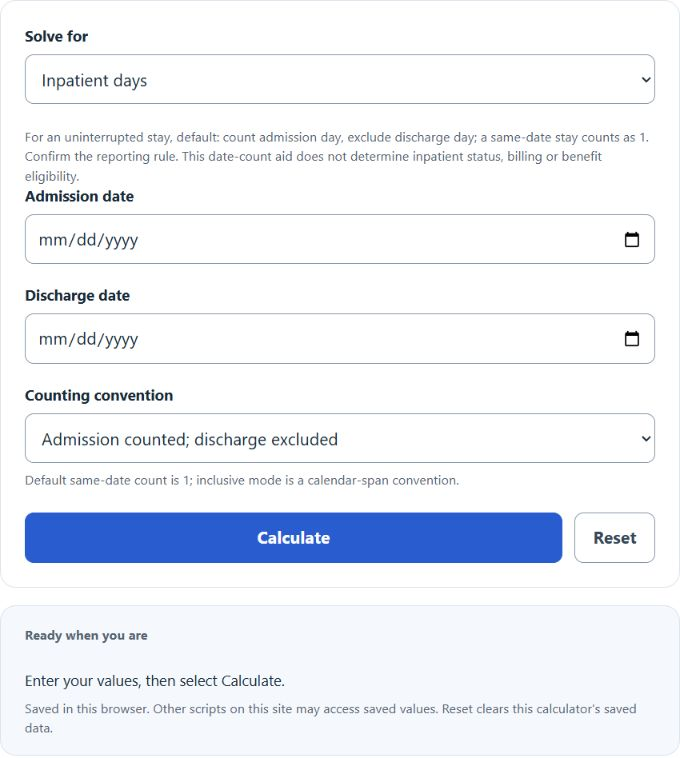
Calculate inpatient days from admission and discharge dates, or find a missing date using the default admission-counted/discharge-not-counted method or an inclusive calendar span.
Note: This calculator uses the selected counting convention (excluding discharge by default). Hospitals/insurers may define and bill inpatient days differently—confirm your facility’s policy for official reporting.
Inpatient Days Formula
For the default CMS-style count, count the day of admission but not the day of discharge. A patient admitted and discharged on the same date counts as one inpatient day.
Default inpatient days = max(1, discharge UTC date − admission UTC date)
The optional inclusive calendar-span method counts both dates: inclusive days = UTC date difference + 1. It is a general calendar-span option and should not be confused with the default hospital inpatient-day convention.
Date Validation
The calculator requires real Gregorian dates in YYYY-MM-DD format, round-trips each date component, and performs arithmetic in UTC. This avoids accepting impossible dates and avoids daylight-saving-time errors.
Reverse Date Calculations
When solving for an admission or discharge date, inpatient days must be a whole number of at least one. Under the default max(1, date difference) rule, one day can represent either a same-date stay or a one-calendar-day interval. The calculator shows both valid date candidates; the count alone cannot select one. For two or more days the default offset is the entered count. The inclusive-span offset is count minus one.
Administrative definitions can vary by program and reporting purpose. Confirm the definition required by the applicable payer, regulator, facility, or dataset. See the CMS Medicare Benefit Policy Manual, Chapter 3 for the hospital-day counting context. The date calculator does not determine whether a stay is inpatient, whether observation time qualifies, or whether a benefit is payable.