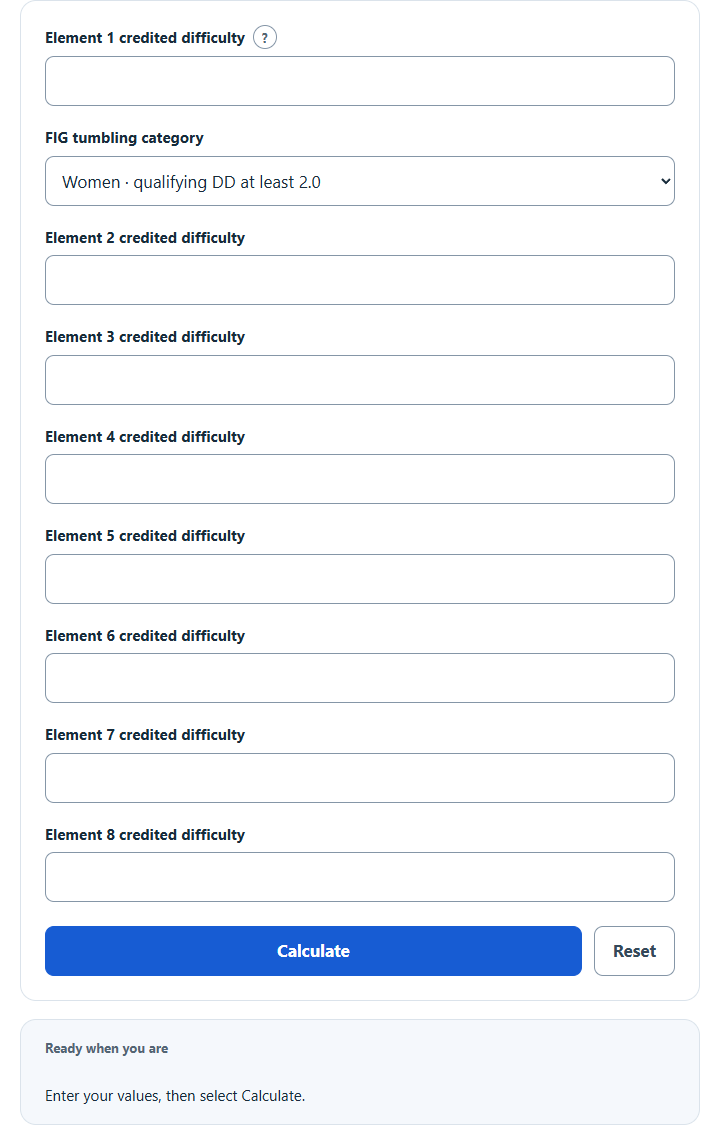
Calculate a FIG tumbling pass difficulty by adding up to eight credited element values and the women’s or men’s multiple-difficulty bonus.
FIG Tumbling Pass Difficulty Formula
The FIG Tumbling Code adds the difficulty value of each credited element. It then adds 1.0 for each qualifying high-value element after the first: 2.0 or more for women and 4.4 or more for men.
How the Calculation Works
The calculator adds eight supplied credited DD values, counts values meeting the selected inclusive threshold, and adds 1.0 for each qualifying element after the first. Values must be nonnegative tenths of a point. The pass-level bonus is added once; do not include it again in each input.
How to Use This Calculator
- Use the single pass-difficulty calculation and select the applicable FIG category.
- Enter or select every visible required input.
- Select Calculate and review the result and supporting breakdown.
- Use Reset before starting a new routine or scenario.
Worked Example
Eight credited values of 0.1, 0.1, 0.1, 2.4, 0.2, 0.1, 0.2, and 2.2 sum to 5.4. In the women's category, two elements meet the 2.0 threshold, so a 1.0 bonus produces 6.4.
Input and Result Guide
| Item | How to use it |
|---|---|
| Element DD | Look up the exact skill in the current FIG Appendix G table and enter the value actually credited. |
| Eight positions | A complete exercise consists of eight elements. Use zero placeholders for unused or uncredited positions when checking a subtotal; this does not certify a complete legal exercise. |
| Women's threshold | Each credited element worth at least 2.0 counts toward the multiple-difficulty bonus. |
| Men's threshold | Each credited element worth at least 4.4 counts toward the multiple-difficulty bonus. |
| Landing and repeats | An element not credited under the code must be entered as zero. |
Interpreting the Result
The result is a difficulty subtotal for one FIG tumbling pass under the selected category. The displayed base and bonus make it possible to check the arithmetic against a judge's element list.
Assumptions and Limitations
This calculator does not identify skills, determine whether an element lands on the feet, apply repetition rules across exercises, check junior or age-group caps, enforce prohibited skills, or calculate execution. Enter only official credited values from the applicable 2025–2028 table; use zero for an unused or uncredited position.
Common Questions
What does the single calculation include?
It produces the pass difficulty subtotal from credited DD values and the category-specific multiple-difficulty bonus. It does not calculate execution, penalties, skill credit or meet totals.
Will my last successful calculation be restored?
Yes. The calculator saves source values in this browser and recomputes the restored result. It marks changed inputs as stale; Reset clears this calculator's saved state.
Sources
World Gymnastics, Trampoline Gymnastics Code of Points 2025–2028, Tumbling §3.1, §16.1.7–16.1.8 and §16.2.1; examples in Appendices G–H. Rule listing checked October 26, 2026. Use the credited element values and any event-specific rules applicable to your competition.